
Guide
How to Make Vocals Sound Warm and Present
How to make vocals sound warm and present: clear mud, add body around 200 Hz, tame harsh upper mids, saturate lightly and compress for a close, rich voice.
To make vocals sound warm and present, clean up mud and rumble first, add a gentle lift in the low mids around 150 to 300 Hz for body, control harshness in the 2 to 5 kHz range, and add a little saturation for harmonic richness. Then compress gently so the voice sits steadily in front of the mix. Warmth comes from balance and density, not from simply boosting the bass.
Below is why vocals end up thin or cold, how to tell what your recording is missing, and a method that works with stock plug-ins as well as dedicated tools.
Why vocals sound thin, cold or distant
"Warm" usually means a voice has body, smooth upper mids and a slight density that makes it feel close. "Present" means it is clear and forward without being shouty. A vocal loses those qualities for a few common reasons:
- Too much high end and not enough body. Bright condenser microphones, small rooms and heavy high-pass filtering all thin out the lower range.
- Harsh upper mids. A peak somewhere between 2 and 5 kHz makes a voice sound edgy, which reads as cold even if the low end is fine.
- Mud in the wrong place. Too much energy around 200 to 500 Hz sounds boxy and blurry, and people often mistake that for a lack of warmth and boost even more.
- Uneven dynamics. If the voice keeps falling back into the track, it never feels close, however good the tone is.
- Room sound. Reflections from a bare room push the voice back and add a hollow quality that EQ cannot fully fix.
How to diagnose your vocal
Listen to the vocal in the mix at a moderate level and ask three questions.
- Does it have a chest? If the voice sounds like it is coming from a phone, the 120 to 300 Hz range is probably thin.
- Is it tiring to listen to? Ear fatigue after a minute points to a peak in the 2 to 5 kHz range or sibilance above it.
- Does it stay in front? If certain words disappear behind the guitars or keys, you need more consistent level, not more EQ.
Compare your vocal with a commercial reference in a similar style, both at the same loudness. Differences in body and smoothness become obvious within a few seconds.
Step by step: a warm, present vocal with any tools
- High-pass with care. Remove rumble below the voice, typically with a filter around 70 to 100 Hz for most voices. Avoid setting it so high that the chest disappears.
- Clear the mud. Sweep for boxiness between 250 and 500 Hz and cut 2 to 4 dB with a moderate Q where it sounds hollow. This often makes a voice sound warmer, because the useful body underneath it becomes audible.
- Add body. If the voice still feels thin, a broad boost of 1 to 3 dB around 150 to 250 Hz, or a gentle low shelf, adds weight. Keep it broad.
- Tame harshness. Find any piercing peak in the 2 to 5 kHz range and cut it a few decibels, ideally with a dynamic band so it only acts on loud notes. The guide on how to fix harsh vocals covers this in depth.
- Compress for closeness. A slower, smoother compressor with 3 to 6 dB of gain reduction, a ratio around 3:1 to 4:1, a medium attack of 10 to 30 ms and a release around 50 to 150 ms keeps the voice steady and intimate. Optical-style compressors are a traditional choice for this.
- Saturate lightly. Gentle harmonic distortion thickens the voice and helps it read on small speakers. Blend it in until you notice the voice getting denser, then back off a little.
- Add presence and air last. A small boost around 3 to 5 kHz for presence, or a high shelf from 10 kHz up for air, brings the voice forward. Do this after the harsh peaks are gone, then de-ess, because these boosts lift sibilance too.
- Check with the band. Warmth is relative. A vocal that sounds rich alone can be muddy in a dense mix, so make the final calls in context.
Where NF Audios plug-ins make it faster
Several of these steps can be handled by a single tool. Lantern works from one wheel that tightens the low end, clears the low mids, levels gently, adds warmth, presence and air, and de-esses at the bright end. That covers most of the chain above in one move, which is useful when you want a quick, balanced starting point or are working through many takes.
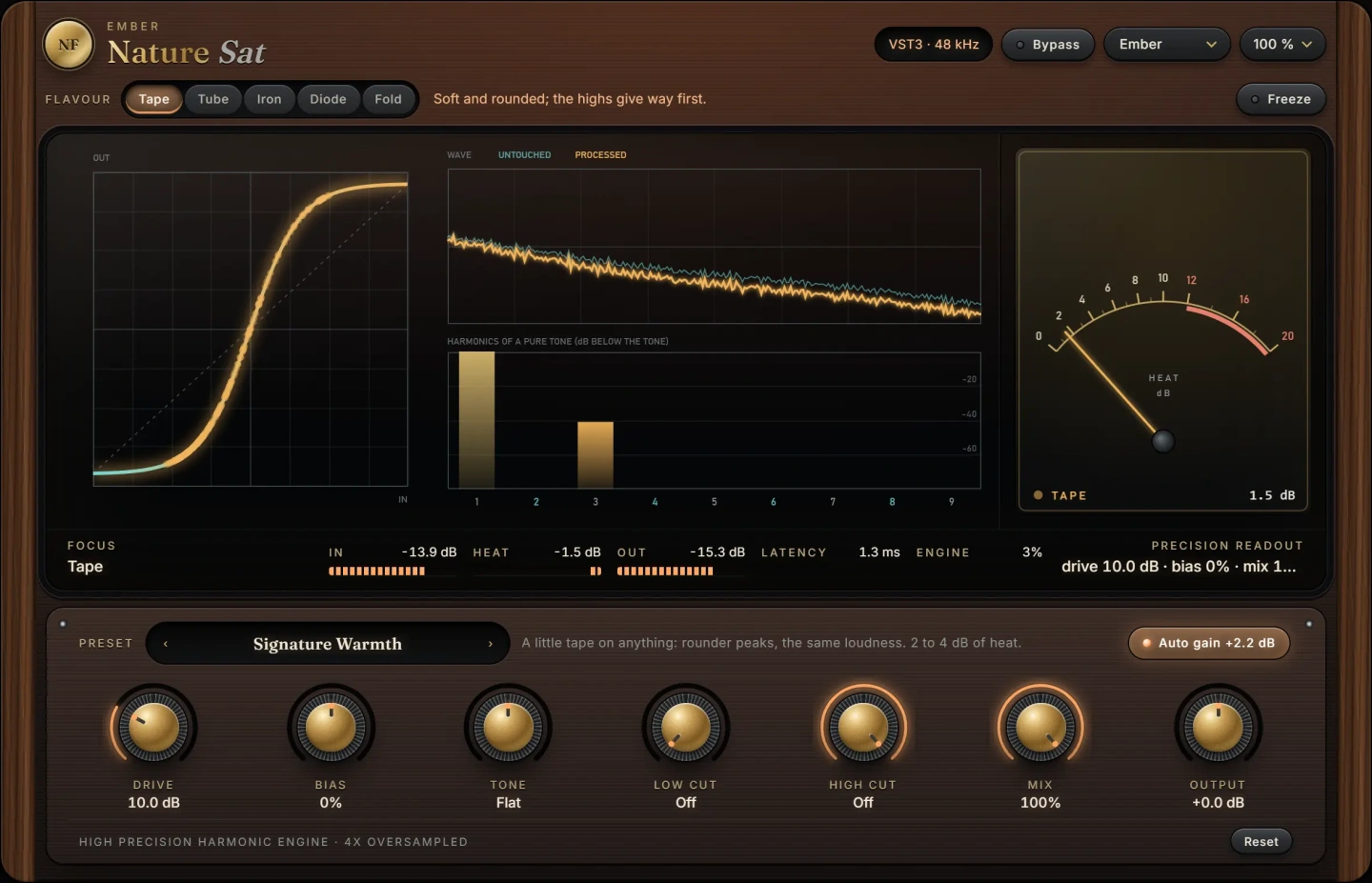
For the saturation step, Nature Saturator adds harmonics from a little warmth up to fire. Its five flavours run at four times the sample rate, so what they add stays musical instead of folding back into the sound as digital grit, which matters on a bright vocal where aliasing is easy to hear.
For the compression step, Nature Comp offers five compressor types in one: Clean, VCA, FET, Opto and Vari-Mu, each with its own detector, knee, timing and colour. Opto and Vari-Mu are the classic choices for smooth, warm vocal levelling, while FET is useful when you want a more forward, aggressive voice.
If the vocal still feels dull after warming it up, FireLeaf is an exciter on one dial. It never touches the sound you give it and only adds beside it: air that is lifted more when the moment is dull and less when it is already bright, and new harmonics made from the upper band. Use it sparingly on vocals, after any harshness has been dealt with.
All of these are VST3 plug-ins for macOS and Windows.
Common mistakes
- Boosting bass to get warmth. Large boosts below 150 Hz add boom and mud, not warmth, and they fight with the bass and kick.
- Cutting all the low mids. Heavy cuts at 200 to 400 Hz clean things up but can leave the voice thin and cold.
- Too much saturation. When distortion becomes obvious on sustained notes, it has gone past warmth. Use the mix control or lower the drive.
- Adding air before removing harshness. A high shelf on a harsh vocal makes it brittle. Fix the peaks first.
- Over-compressing. More than about 8 to 10 dB of constant gain reduction flattens the performance and can bring up breaths and room noise.
Questions
What frequency makes vocals sound warm?
Body and warmth mostly live around 150 to 300 Hz. A broad, gentle boost there, combined with a cut of any boxiness around 300 to 500 Hz, usually gives the warmest result. The exact spot depends on the voice.
Does saturation make vocals warmer?
Yes, in small amounts. Saturation adds harmonics that make a voice sound denser and closer. Tape and tube-style flavours are the usual choice for warmth, but subtle settings matter more than the flavour.
Which compressor is best for warm vocals?
Optical and variable-mu style compressors are traditional choices because they respond smoothly and add a gentle colour. A FET style gives a brighter, more aggressive sound that suits rock and rap vocals.
How do I make vocals present without making them harsh?
Remove harsh peaks in the 2 to 5 kHz range first, then add a small, broad presence boost, and finish with a de-esser. Consistent level from compression also makes a voice feel present without any extra top end. See how to de-ess vocals for that last step.
The plug-ins in this guide

 New
New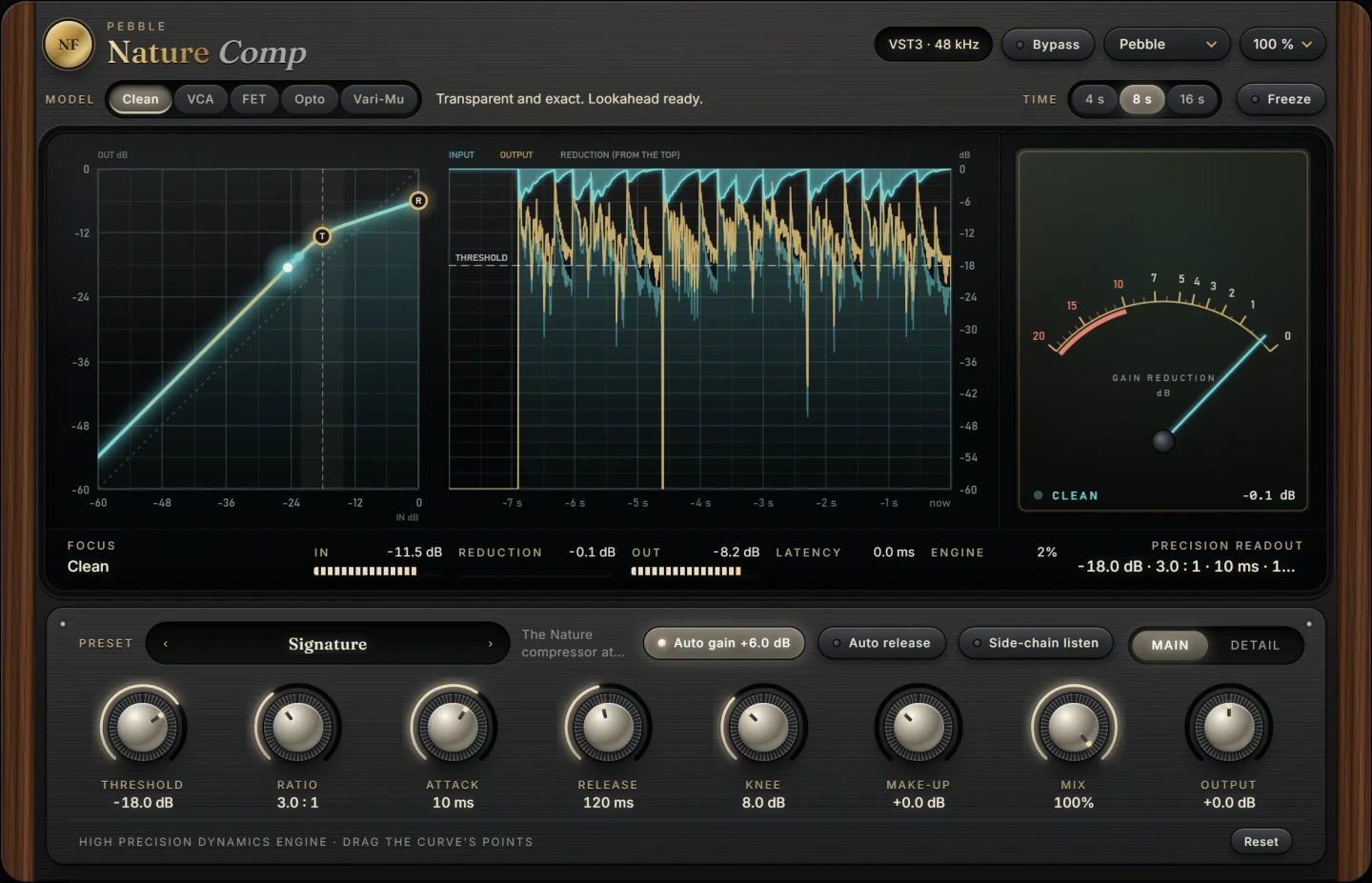 New
NewMore guides
- How to Compress Vocals: Ratio, Attack and ReleaseHow to compress vocals: ratio, attack and release settings that work, serial compression for an even vocal, levelling vs character and…
- What Is Saturation in Mixing? How to Use It WellWhat is saturation in mixing? Learn how harmonics, tape, tube and transistor colour, parallel blends and oversampling help you add warmth…
- How to EQ Vocals: A Step-by-Step GuideHow to EQ vocals step by step: high-pass the rumble, cut mud and nasal honk, then add presence and air. Frequencies, Q settings and common…