
Guide
How to Fix Harsh Vocals and Resonances in a Mix
How to fix harsh vocals: find harsh resonances at 2-6 kHz, cut them with narrow or dynamic EQ, and smooth a vocal without making it sound dull in the mix.
To fix harsh vocals, find the resonances that poke out, usually somewhere between 2 and 6 kHz, and reduce them with narrow EQ cuts or, better, with a dynamic EQ that only cuts when the harshness flares up. Keep each cut small, around 2 to 4 dB, and fix the source of the harshness rather than darkening the whole voice.
This guide explains what harsh resonances are, how to find them by ear, a method that works with any EQ, and how to do it faster when a vocal has many moving problem frequencies.
What causes harshness and resonances
Our ears are most sensitive between roughly 2 and 5 kHz. A small peak there sounds far louder than the same peak at 200 Hz, so even a few decibels of excess energy can make a vocal tiring to listen to.
Harshness usually comes from one or more of these:
- Microphone character. Many microphones have a presence peak that suits some voices and exaggerates others.
- Room resonances. Small, untreated rooms reinforce particular frequencies and add a ringing, boxy edge.
- The voice itself. Belted notes and nasal vowels push energy into narrow upper-mid bands. These resonances often move as the singer changes pitch and vowel.
- Processing. Fast compression, presence boosts, bright saturation and stacking several bright plug-ins all add up.
- Clipping and aliasing. Digital distortion adds inharmonic high-frequency content that sounds gritty rather than bright.
Harshness is different from sibilance. Sibilance is the S and T sounds, mostly between 5 and 10 kHz. Harshness tends to sit lower, between 2 and 5 kHz, and is present on vowels and sustained notes. If your problem is mainly S sounds, see how to de-ess vocals instead.
How to hear and find harsh resonances
Listen at a moderate level. Harshness is easier to judge when you are not already fatigued, so take breaks and avoid long sessions at high volume.
- Loop the loudest section, often a chorus where the singer is belting.
- Create a narrow EQ bell (a Q of about 5 to 8), boost it by 8 to 10 dB and sweep slowly between 1.5 and 8 kHz.
- Note the frequencies where the sound becomes piercing, whistly or ringing. There are often two or three of them.
- Remove the boost and turn each note into a cut instead.
A spectrum analyser can confirm what you hear: resonances show up as narrow peaks that stand above the surrounding curve. Trust your ears first, though. Not every peak on the screen is a problem.
Step by step: fixing harsh vocals with any EQ
- Check the chain first. Bypass every plug-in on the vocal. If the raw recording is fine, the harshness is coming from your processing, and the fix is to change those settings rather than add more EQ.
- Cut the worst resonance. Using the frequency you found, cut 2 to 4 dB with a fairly narrow Q of 3 to 6. Listen for the ringing to disappear without the voice going dull.
- Repeat for one or two more. Treat each problem frequency separately. Several small, narrow cuts sound more natural than one wide, deep cut.
- Make the cuts dynamic if you can. Many resonances only appear on loud or high notes. A dynamic EQ band with a threshold set so it only acts on those moments leaves the quieter parts untouched.
- Revisit the compressor. A very fast attack under 1 ms can add edge. Slowing it to 5 to 20 ms often softens the sound.
- Compare at matched loudness. Cuts make the vocal slightly quieter, and quieter always sounds less harsh. Match the levels before deciding if it really sounds better.
- Listen in the mix. Guitars, synths and cymbals share this range. Sometimes the cleaner fix is a small cut in a competing instrument.
Where NF Audios plug-ins make it faster
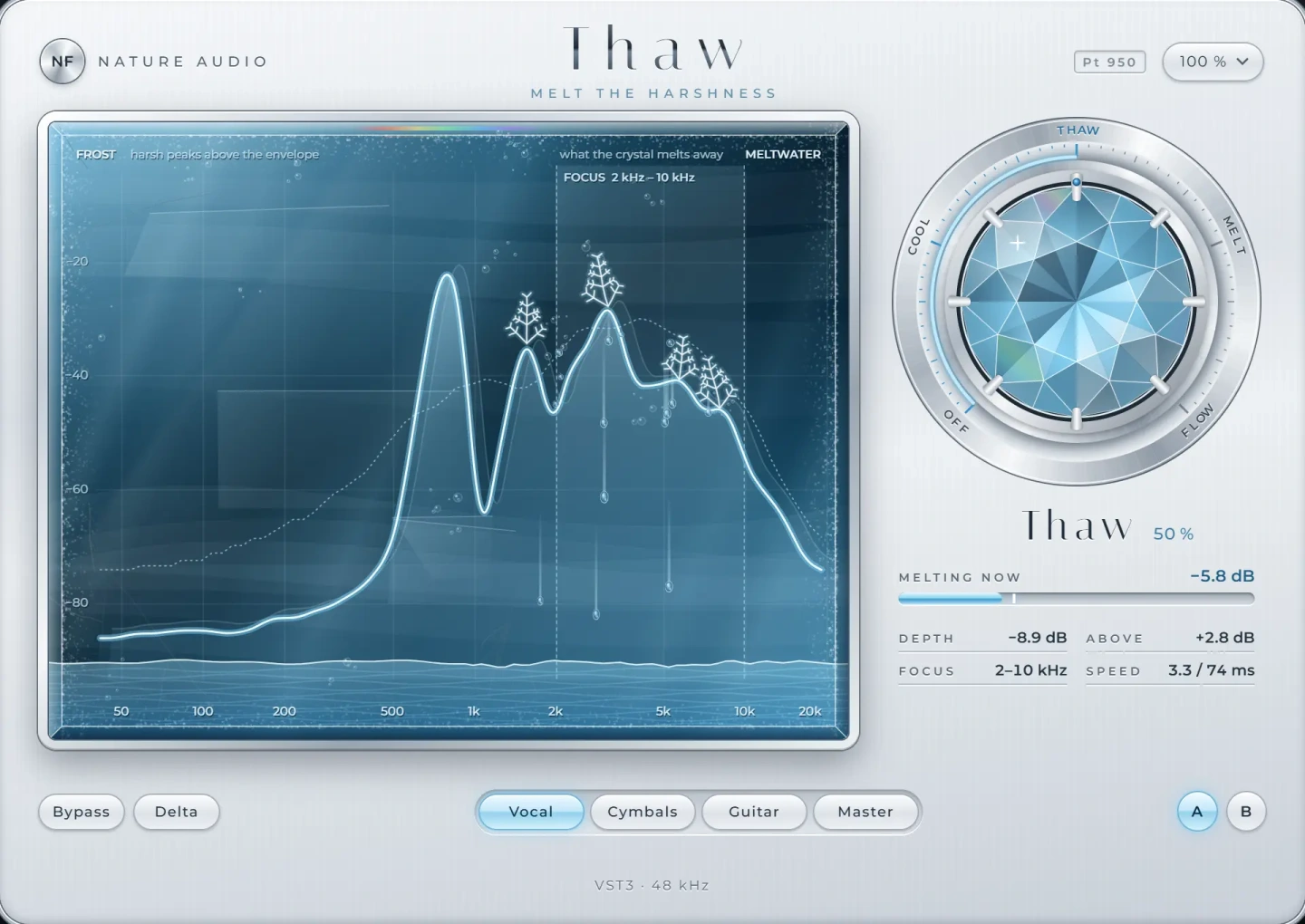
The hard part of fixing harsh resonances is that they move. A singer's problem frequency on one note is not the same on the next, so a static cut is always a compromise. Thaw is designed for exactly this. It listens across the whole spectrum and pulls down only the resonances that flare up, moment by moment, instead of cutting a fixed frequency. That keeps the body and brightness of the vocal while the harsh moments are smoothed out, and saves you from stacking many dynamic bands by hand.
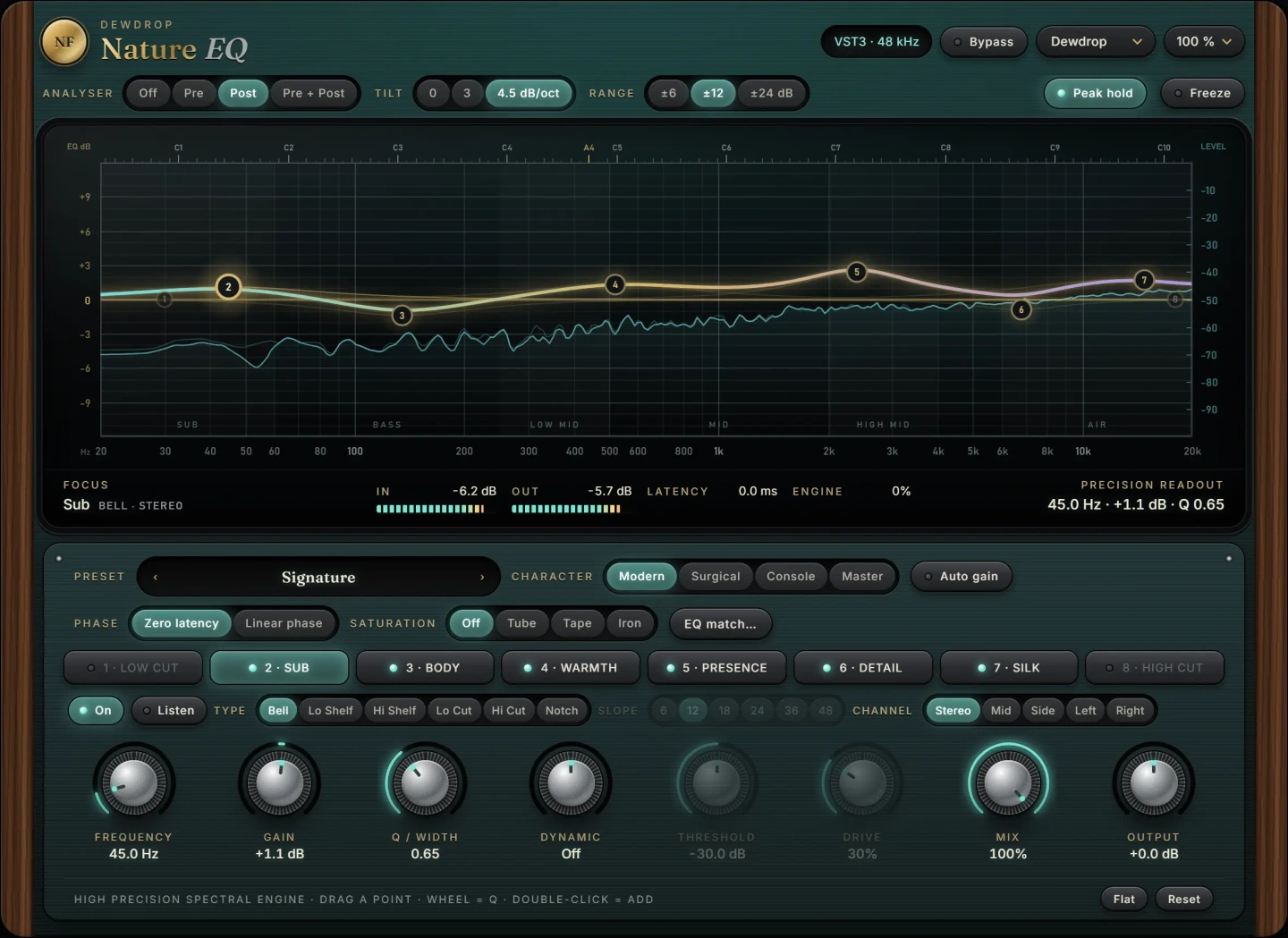
When you want precise manual control, Nature EQ is an eight-band equaliser with analogue-matched filters, so bells and shelves keep their true shape right up to the top of the band, where ordinary digital filters are squeezed. Bells and shelves can be made dynamic, which is ideal for resonances that only appear on loud notes, and every band can work on stereo, mid, side, left or right. That is helpful on stereo vocal stacks or bus processing, where harshness may sit only in the sides.
A practical approach is to use Nature EQ for one or two fixed problems you found by sweeping, then Thaw to handle whatever moves around. Both are VST3 plug-ins for macOS and Windows.
Common mistakes
- Cutting too wide or too deep. A broad 6 dB cut at 3 kHz removes harshness and intelligibility together, and the vocal sinks into the mix.
- Using a high shelf cut to fix a narrow problem. Turning down everything above 4 kHz makes the voice dull while leaving the resonance relatively prominent.
- Cutting every peak you see. The analyser shows natural formants that are part of the voice. Only fix what you can hear as a problem.
- Judging at high volume or late in a session. Tired ears perceive more harshness and lead to over-correction.
- Fixing after adding brightness. Put resonance control before presence and air boosts, so you are not boosting the problem first.
Once the harshness is under control, you can add body and closeness back with the steps in how to make vocals sound warm.
Questions
What frequency makes vocals sound harsh?
Most harshness sits between 2 and 5 kHz, where the ear is most sensitive. Some voices and microphones also have a sharp, whistly resonance between 5 and 8 kHz. The exact frequency varies, so sweep with a narrow boost to find it.
Should I use a dynamic EQ or a static EQ for harsh vocals?
A dynamic EQ is usually better, because harshness tends to appear only on loud or high notes. A static cut works on resonances that are always there, such as a room ring or microphone peak.
What is a resonance suppressor?
It is a processor that detects narrow peaks across the spectrum in real time and reduces them only while they stand out. It is useful on vocals because the problem frequencies move with pitch and vowel.
Why does my vocal sound harsh only after compression?
Compression reduces the louder low and mid energy, which makes the upper mids relatively louder, and a very fast attack can add edge. Try a slower attack, less gain reduction, or a de-harsh step after the compressor.
The plug-ins in this guide
 New
NewMore guides
- How to EQ Vocals: A Step-by-Step GuideHow to EQ vocals step by step: high-pass the rumble, cut mud and nasal honk, then add presence and air. Frequencies, Q settings and common…
- How to Master a Song at Home: A Step-by-Step ChainHow to master a song at home: reference tracks, honest monitoring, an EQ, density, width, clipping and limiting chain, loudness targets…
- Mid Side EQ Explained: When and How to Use ItMid side EQ explained: how M/S works, when to use it on mixes and masters, side high-pass filters, mono bass, and the phase and width…