
Guide
How to Master a Song at Home: A Step-by-Step Chain
How to master a song at home: reference tracks, honest monitoring, an EQ, density, width, clipping and limiting chain, loudness targets and clean exports.
To master a song, you compare your mix against a few commercial references, make small broad EQ moves, add gentle compression or density, check the stereo image, then raise the level with a clipper and a limiter until it sits at a sensible loudness. Finally you export at the right sample rate and bit depth, with dither if you are reducing bit depth. Most of the work is listening carefully and changing very little.
What mastering actually does
Mastering is the last step between a finished mix and a release. Its job is to make the song translate: sound balanced on earbuds, car speakers and club systems, sit at a level that matches other releases, and hold together as part of an EP or album. It is not a second mix: if the vocal is buried, fix the mix. Mastering moves are usually measured in fractions of a decibel, and a good master often sounds like the mix, only more finished.
Before you start: references and monitoring
Pick two or three reference tracks
Choose released songs in the same genre with a sound you like. Import them into your session on their own track, outside your mastering chain, and turn them down so they match the perceived loudness of your mix. A louder reference will always sound better, which tricks you into chasing level instead of tone.
Make your monitoring honest
- Listen at a moderate, consistent level. Around 75 to 80 dB SPL in a small room is a common working level.
- If your room is untreated, check on good closed or open headphones as well as speakers. The room colours the low end far more than most people expect.
- Check on at least one small speaker, such as a phone or laptop, and in mono.
- Take breaks. Ears adapt within minutes.
Prepare the mix
Bounce the mix as a 24-bit or 32-bit float file at the session sample rate, with nothing on the master bus that you put there only to make it louder. Leave peaks somewhere around -6 to -3 dBFS so there is room to work.
The mastering chain, step by step
This order works with any plug-ins, including the ones that came with your DAW.
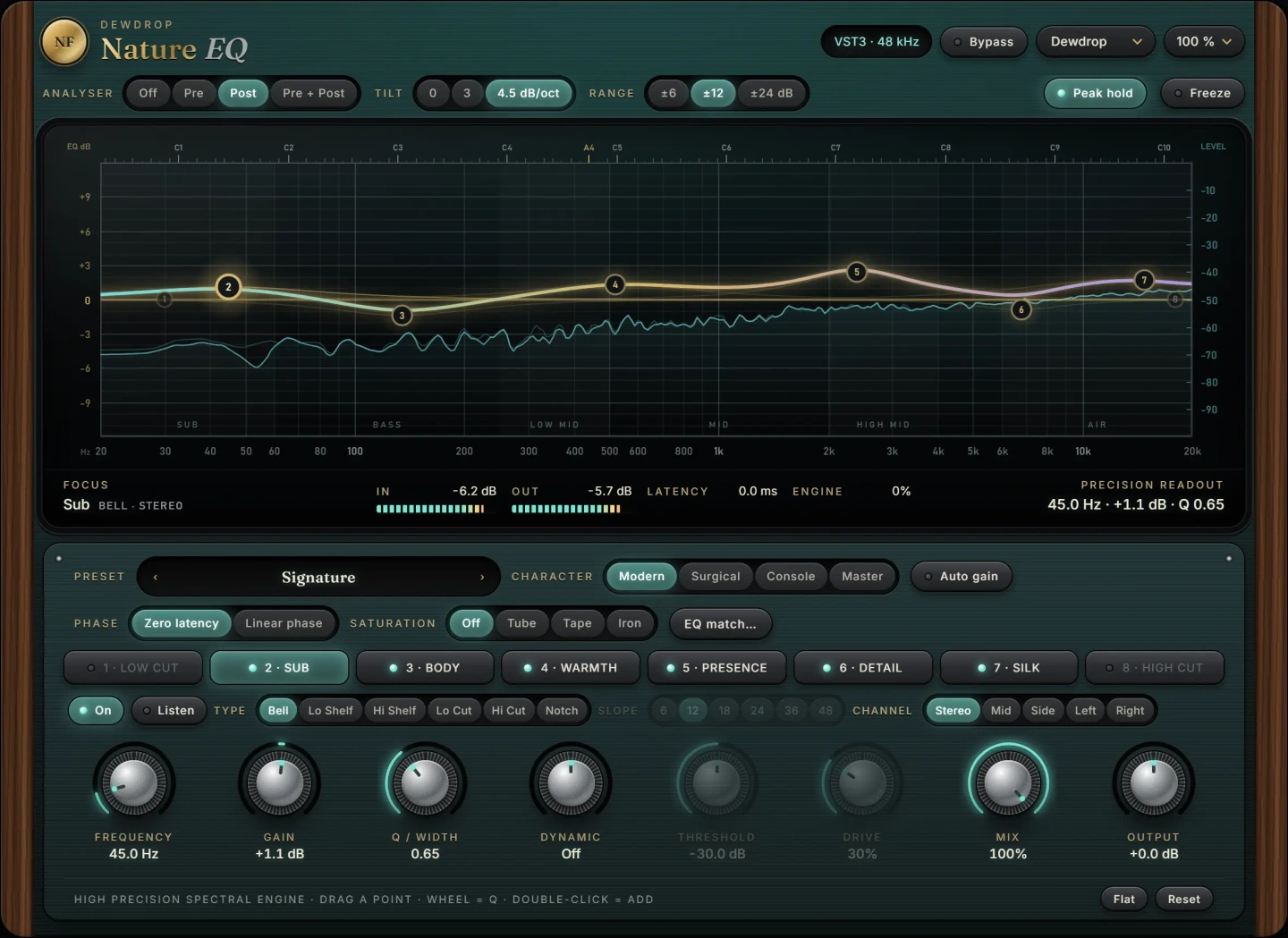
- Corrective and tonal EQ. Start with a high-pass around 20 to 30 Hz to clear sub rumble you cannot hear but your limiter will react to. Then compare against your references. Broad shelves and wide bells do most of the work: a 0.5 to 1.5 dB low shelf, a gentle dip around 200 to 400 Hz if the mix feels boxy, a small high shelf above 8 to 10 kHz for air. If one resonance pokes out, a narrow cut of 1 to 3 dB is fine. If you need more than about 3 dB anywhere, the problem belongs in the mix.
- Compression or density. The goal here is glue and consistency, not squashing. A bus compressor with a ratio of 1.5:1 to 2:1, a slow attack of 10 to 30 ms, an auto or medium release and 1 to 2 dB of gain reduction is a classic starting point. Multiband compression can tame a boomy low end without touching the vocal, but it is easy to overdo, so make each band work only when it needs to.
- Width. Check the stereo image in mono. If the mix feels narrow, a small amount of widening on the upper mids and highs can help. Keep the low end centred, since bass in the sides weakens the mix on mono systems and vinyl.
- Clipping. A clipper shaves the sharpest transients, often the kick and snare, so the limiter has less to catch. One to 3 dB of clipping is usually transparent on drums-heavy material.
- Limiting. The limiter sets the final ceiling and brings up the level. Set the output ceiling to -1 dBTP (true peak) to leave room for lossy encoding, then raise the input until you reach your target. If the limiter is doing more than 3 to 5 dB of gain reduction and you hear pumping or dull transients, back off.
Our guide on clipper vs limiter for a louder master goes deeper into how to split the work between those last two stages.
Loudness targets
Measure integrated loudness in LUFS over the whole song. Streaming services normalise playback, so a master pushed far beyond their reference level is simply turned down, with its lost dynamics intact. Useful reference points:
- Around -14 LUFS integrated is the common streaming normalisation level.
- Many pop, hip-hop and electronic masters land between -10 and -7 LUFS by choice, because the genre sound is dense.
- Acoustic, jazz and classical often sit between -16 and -12 LUFS.
- Keep true peaks at or below -1 dBTP. For very loud masters, -2 dBTP is safer for MP3 and AAC conversion.
Pick the loudness that serves the song. If it sounds worse than the same master 2 dB quieter, you have gone too far.
Exporting and dither
- For streaming distributors, export a WAV at the session sample rate in 24-bit. Many accept 44.1 or 48 kHz; keep what you mixed at unless the distributor asks otherwise.
- For CD, export 16-bit, 44.1 kHz.
- Whenever you reduce bit depth, for example from 32-bit float to 24 or 16-bit, add dither as the very last process. Use it once, at the end, and nowhere else.
- Trim the start and end, add short fades if needed, and listen to the exported file all the way through, not just the session.
Where NF Audios plug-ins fit
Stock plug-ins can follow this chain. If you want a tool built for each stage, these VST3 plug-ins for macOS and Windows slot in directly:
- Nature EQ for the tonal stage. Its bells and shelves keep their shape near the top of the spectrum, which matters for air shelves, and every band can work on mid or side.
- Monsoon for density. It works in three bands, each measured against its own level, so there is no threshold to set.
- Canopy for width that keeps the mono sum as it was and holds the bass in the centre.
- Flint to clip peaks before the limiter, with a display of loudness gained against peaks lost.
- Nature Limit as the final ceiling, with look-ahead and five limiting styles from invisible to vintage.
Common mistakes
- Comparing at different levels. Always level-match before and after, and against references. Louder sounds better, every time.
- Fixing the mix in the master. Big EQ moves on the whole song affect every instrument. Fix it at the source.
- Chasing a number. LUFS is a guide, not a goal. A great-sounding -11 LUFS master beats a distorted -6.
- Widening the low end. Keep everything below roughly 120 to 150 Hz in mono.
- Ignoring true peak. Sample peaks at 0 dBFS can become clipped overs after encoding.
Questions
Can I master my own music?
Yes. Many independent releases are mastered by the artist. The main risk is that you hear the same problems you could not hear in the mix, so use references, check on several systems and take a break before you finalise.
How loud should my master be?
Around -14 LUFS integrated is a safe streaming level. Dense genres often go to -10 to -7 LUFS by choice. Keep true peaks at -1 dBTP or lower either way.
Should I master each song separately on an EP?
Work on each song, but listen to them in sequence before you export. Matching tone and perceived loudness across the tracks matters more than hitting the same LUFS number on each.
Do I need dither?
Only when you reduce bit depth, such as exporting 16-bit for CD from a 24-bit or float session. Apply it once, as the last step.
 New
New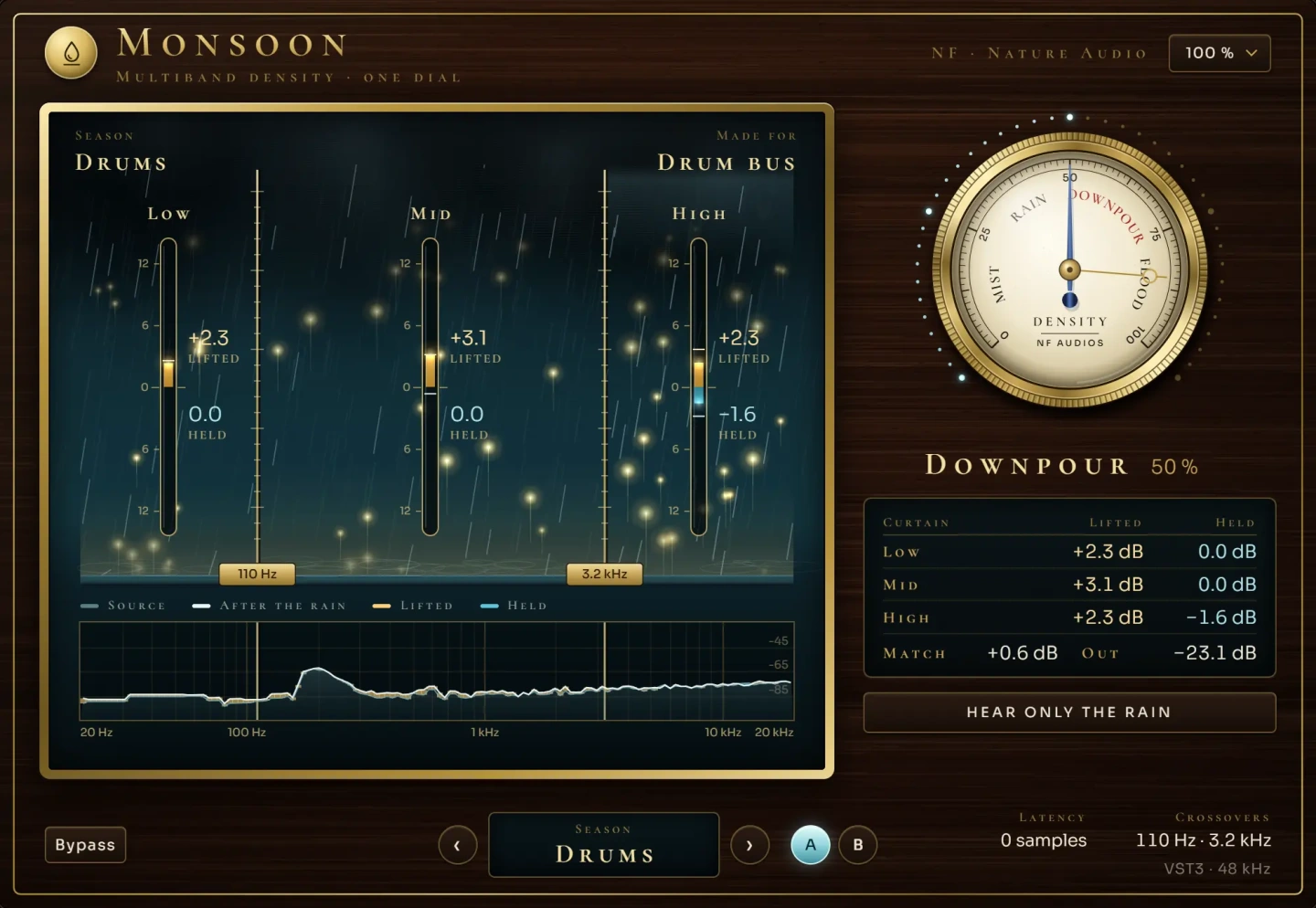 New
New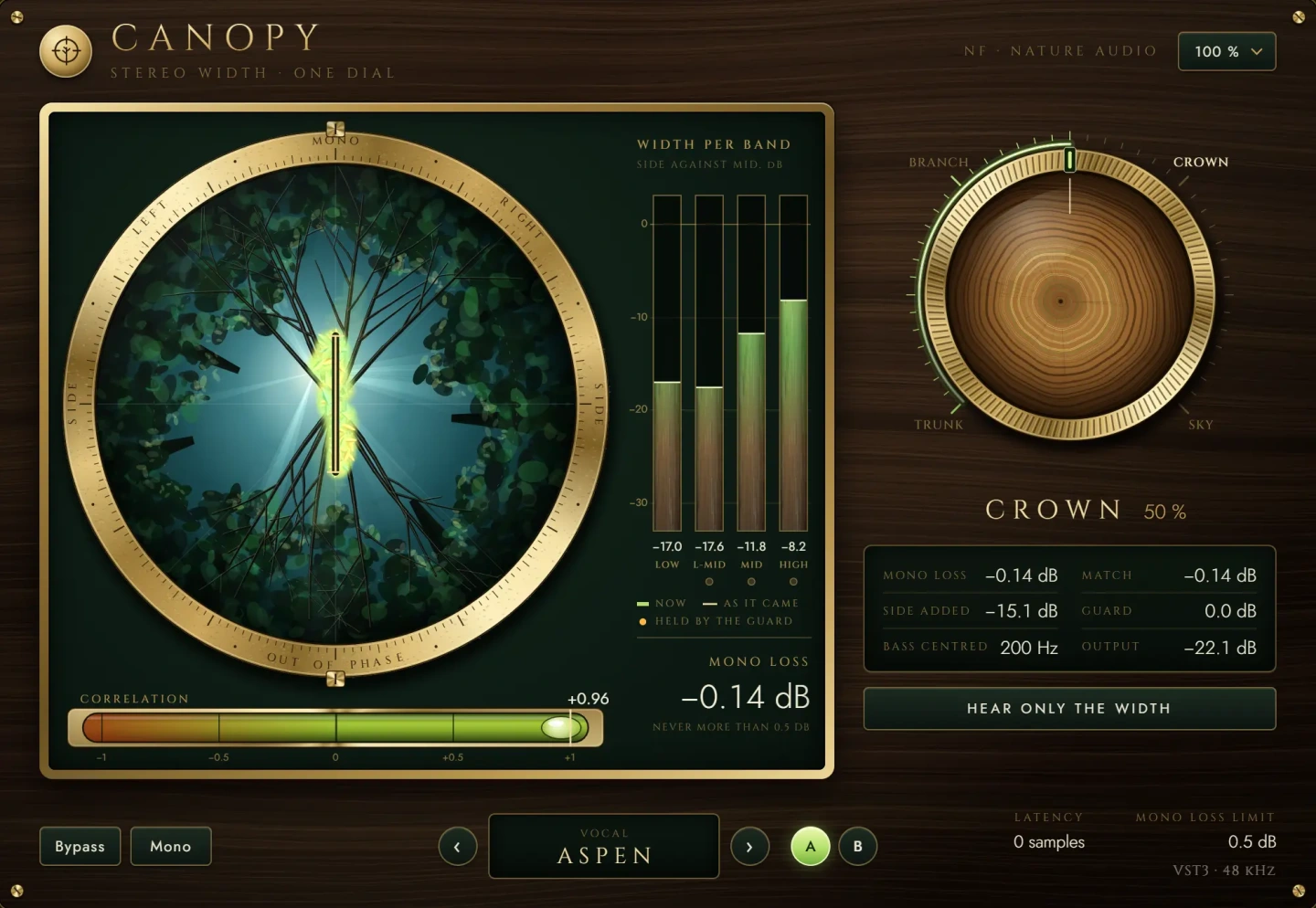 New
NewMore guides
- How to Make a Master Louder: Clipper vs LimiterHow to make a master louder without distortion: clipper vs limiter, LUFS targets, -1 dBTP true peak, streaming normalisation and a gain…
- Mid Side EQ Explained: When and How to Use ItMid side EQ explained: how M/S works, when to use it on mixes and masters, side high-pass filters, mono bass, and the phase and width…
- How to EQ Vocals: A Step-by-Step GuideHow to EQ vocals step by step: high-pass the rumble, cut mud and nasal honk, then add presence and air. Frequencies, Q settings and common…