
Guide
How to Make a Master Louder: Clipper vs Limiter
How to make a master louder without distortion: clipper vs limiter, LUFS targets, -1 dBTP true peak, streaming normalisation and a gain staging chain.
To make a master louder without distortion, control the fastest peaks first and then limit what is left. A clipper shaves off the very short transients that waste headroom, a limiter catches the remaining peaks below a ceiling of about -1 dBTP, and gentle density work makes the quieter detail easier to hear. Each stage does a little, so no single stage has to work hard enough to be heard.
Why loudness and distortion are linked
A digital master cannot go above 0 dBFS. Loudness, measured in LUFS, depends mostly on the average level of the music, not on its peaks. Drums, plucks and consonants produce peaks that are often 10 to 15 dB above the average, so they hit the ceiling long before the song sounds loud. To raise the average you have to reduce the distance between the peaks and the body of the sound. Every method of doing that changes the waveform, and pushed too far, every method becomes audible as distortion, pumping or a flat, lifeless sound.
Clipper vs limiter
A clipper works instantly. Anything over its threshold is cut off, either with a hard edge or a rounded, soft edge. Because there is no attack or release, it does not pump, and it is very good at removing peaks that last only a millisecond or two, like the front of a kick or snare. The cost is harmonic distortion. On short transients that distortion is brief and usually masked; on sustained sounds such as bass or vocals it becomes obvious quickly.
A limiter turns the gain down for a short time instead of cutting the waveform. With look-ahead it sees a peak coming and reduces gain smoothly, then releases. That keeps the waveform shape intact and sounds cleaner on sustained material, but if it has to work hard the gain movement becomes audible as pumping, dulled transients or a squashed mix.
The practical answer to "clipper vs limiter" is to use both: a clipper for the sharpest 1 to 3 dB of transients, then a limiter for the last few dB.
Know your loudness target first
Streaming services normalise playback. Spotify, YouTube and Tidal play music at roughly -14 LUFS integrated, Apple Music at about -16 LUFS. A master at -8 LUFS is simply turned down by 6 dB on Spotify, so it is not louder for the listener, only more compressed. That does not mean every master should sit at -14 LUFS; dense genres like EDM, metal and modern hip-hop are commonly mastered between -9 and -6 LUFS because the sound of the density is part of the style. But it does mean there is no prize for going past the point where your song stops sounding better.
Whatever the target, use a true peak ceiling of -1 dBTP. True peak meters measure the peaks that appear between samples after conversion. Lossy encoding to AAC or Ogg adds overshoot, and a master that peaks at 0 dBFS sample peak can clip after encoding. For very loud masters, -1.5 or -2 dBTP is safer.
Step by step: a louder master with any tools
- Gain stage the mix. Leave the mix bus peaking around -6 dBFS with no limiter on it. If the mix only sounds good with a limiter already squashing it, fix the balance first.
- Fix the low end. Uncontrolled sub bass eats more headroom than anything else. A high-pass around 25 to 30 Hz and a balanced kick and bass give you several dB of free loudness.
- Add gentle bus compression. A ratio of 1.5:1 to 2:1, slow attack around 30 ms, auto or medium release, and 1 to 2 dB of gain reduction. This glues the mix and lowers the peak-to-average ratio a little. For more on compressor behaviour see compressor types explained.
- Clip the transients. Insert a clipper, raise the input until it trims 1 to 3 dB on the loudest drum hits, and compare at matched level. If the kick sounds crunchy or the vocal grainy, back off.
- Limit to the ceiling. Set the limiter ceiling to -1 dBTP and raise the input until you reach your target. Aim for no more than 2 to 4 dB of gain reduction on the loudest sections. Use a release of around 50 to 200 ms, or an auto release.
- Measure and listen. Read the integrated LUFS over the whole song, check the true peak, then match the loudness of your unprocessed mix and compare. Louder always sounds better at first, so only a level-matched comparison tells you the truth.
Where NF Audios plug-ins make it faster
Three of our VST3 plug-ins for macOS and Windows map onto this chain.
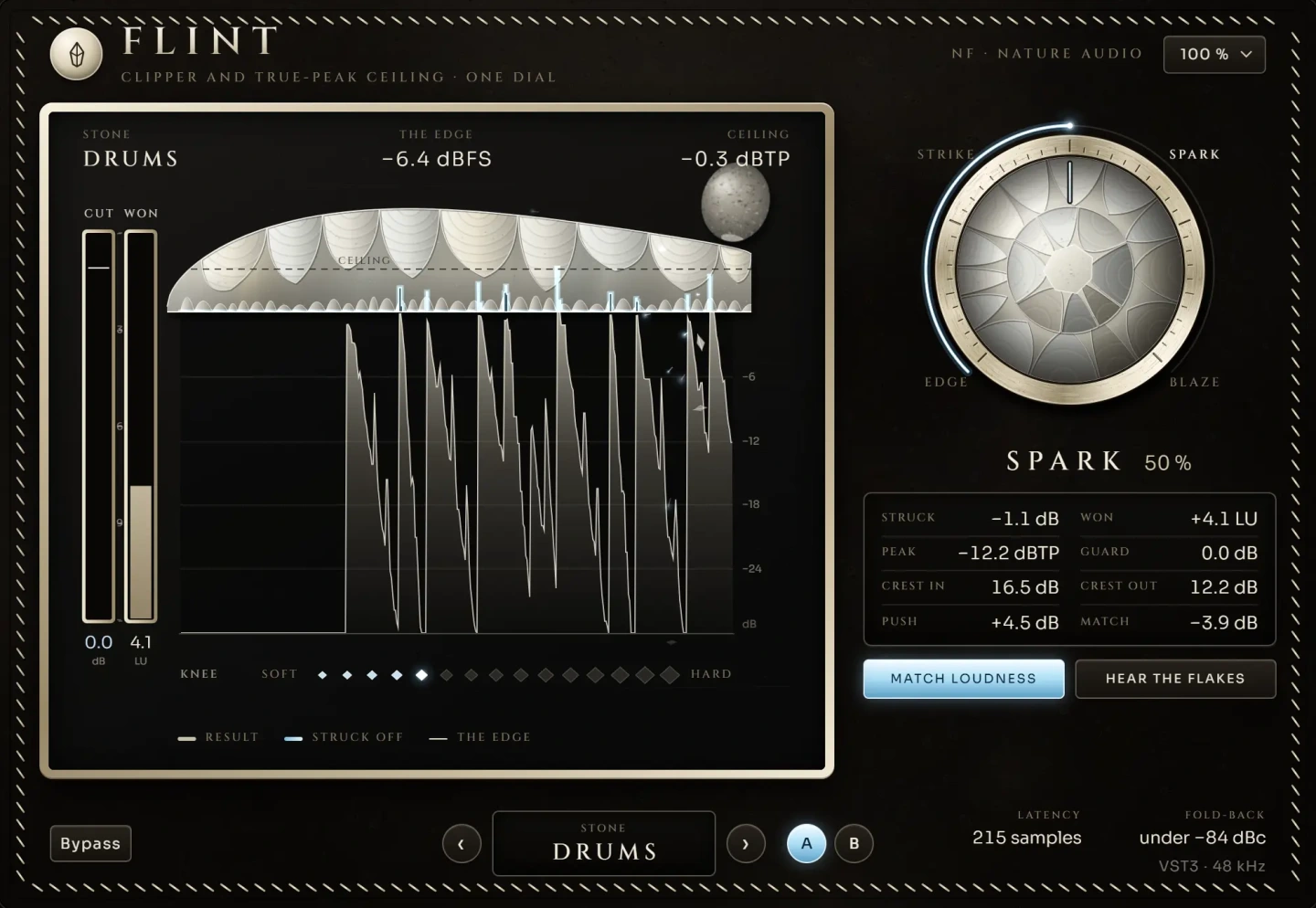
Flint is a clipper and peak ceiling on one dial. It strikes the peaks off against the programme's own level and chooses a soft or hard edge for each hit. The useful part for mastering is that it shows what was gained in loudness against what was lost in peaks, so you can see when more clipping stops paying off instead of guessing.
Nature Limit handles the final ceiling. It looks ahead, holds the gain exactly as long as a peak needs and releases smoothly, which is what keeps a limiter from being heard. It has five styles, from invisible to vintage, so you can choose a transparent limit for acoustic music or more character for a dense mix.
Monsoon fits where bus compression would go, or alongside it. It is multiband density on one dial: in three bands it lifts quiet detail and holds peaks, each measured against that band's own level. There is no threshold to set and it behaves the same at any gain, so it suits the stage where you want a fuller, more even master before the peak control.
A typical order is Monsoon, then Flint, then Nature Limit last in the chain.
Common mistakes
- Judging by ear without level matching. A 1 dB louder version almost always wins a quick comparison.
- Asking one limiter to do everything. 8 dB of gain reduction from a single limiter will pump. Spread the work across stages.
- Clipping sustained sounds. Clipping a full mix with a loud bass or vocal produces audible distortion much sooner than clipping drums.
- Ignoring true peak. A 0 dBFS sample peak ceiling can clip after streaming encoding. Use -1 dBTP.
- Chasing a number. A master that is 2 LUFS louder but has lost its punch will play back quieter-sounding after normalisation.
Questions
How loud should my master be for Spotify?
Spotify normalises to about -14 LUFS integrated, so anything louder is turned down. Many genres are still mastered louder for the sound of the density. Keep the true peak at -1 dBTP or lower either way.
Should a clipper go before or after the limiter?
Before. The clipper removes the fastest transients so the limiter has less to do, and the limiter, set to a true peak ceiling, stays last so nothing passes over it.
Is clipping always bad?
No. Short, controlled clipping on transients is a standard mastering and mixing technique. It becomes a problem when it is heavy enough to hear as crunch or when it hits sustained sounds.
Why does my master sound quieter on streaming than other songs?
After normalisation, all songs play at similar loudness, so the one with more punch and clarity sounds bigger. Over-limited masters lose transients and often sound smaller once turned down.
The plug-ins in this guide
 New
New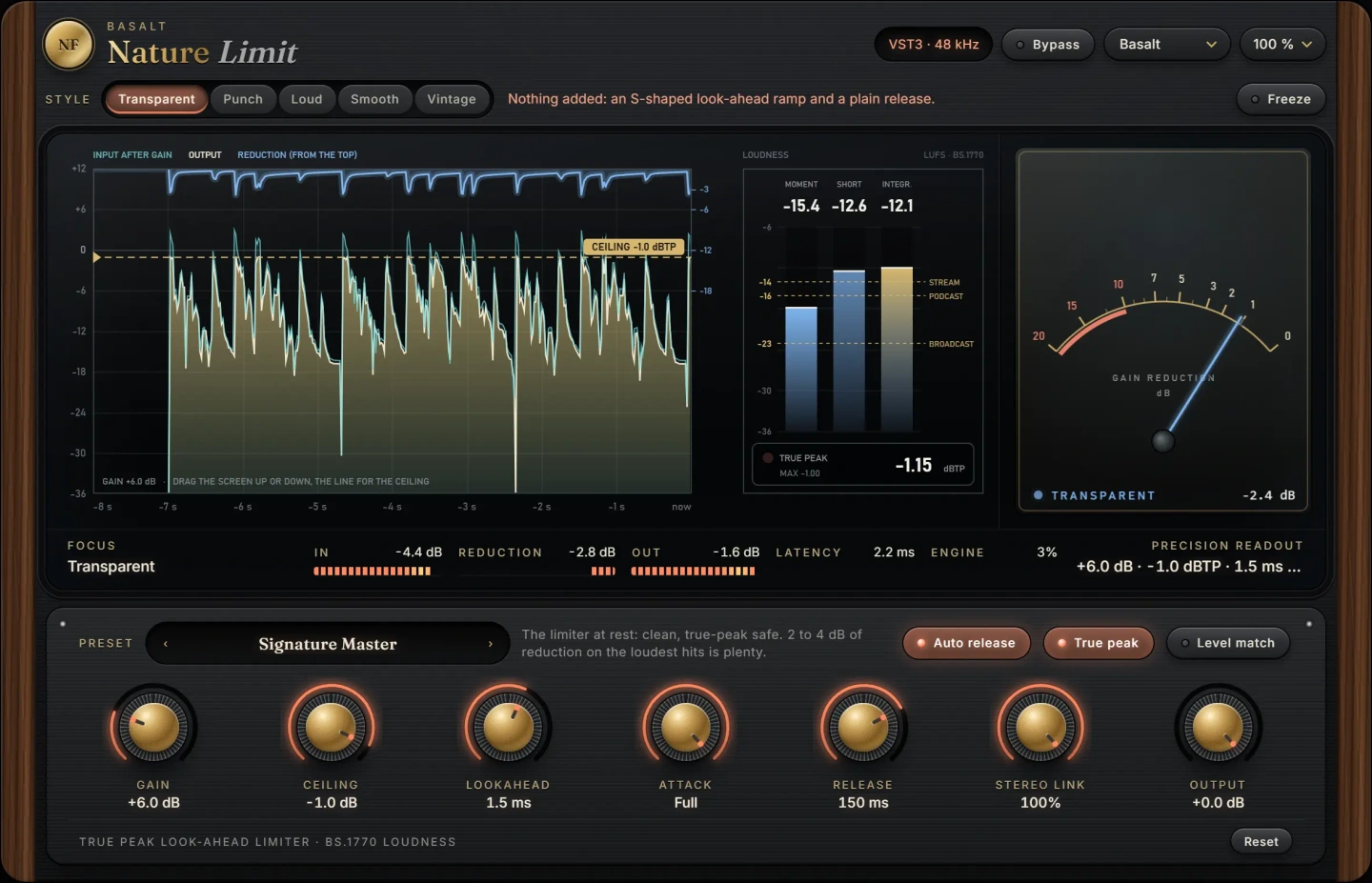 New
New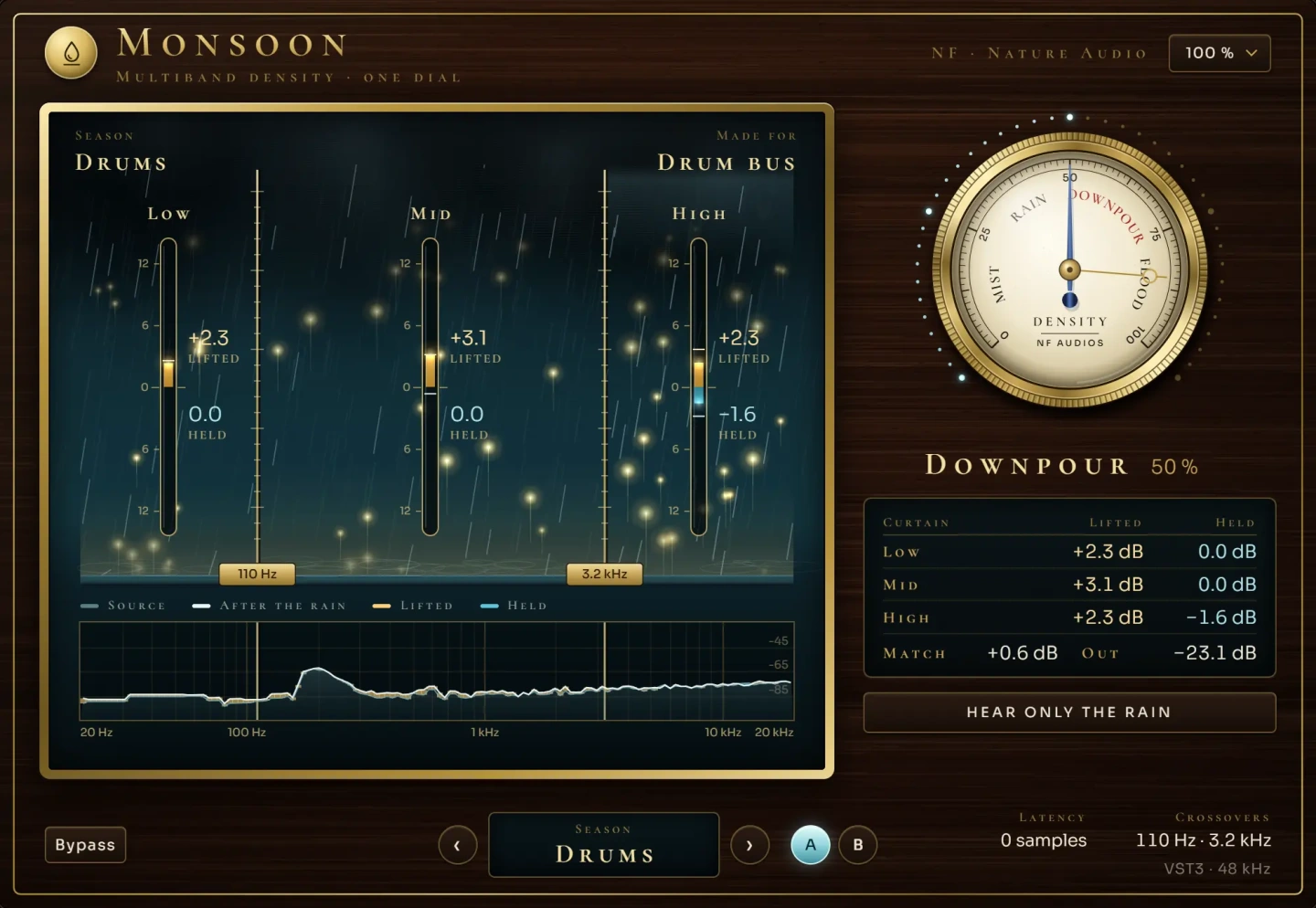 New
NewMore guides
- How to Master a Song at Home: A Step-by-Step ChainHow to master a song at home: reference tracks, honest monitoring, an EQ, density, width, clipping and limiting chain, loudness targets…
- Transient Shaper: How to Make Drums PunchierHow a transient shaper works and how to use one to make drums punchier or softer: attack vs sustain, when to choose it over compression…
- Delay on Vocals: Slapback, Throws and Tape vs DigitalHow to use delay on vocals: slapback, 1/8 and 1/4 note throws, filtering and ducking the repeats, plus tape delay vs digital delay and…