
Guide
Underwater Sound Effect: How to Make Muffled Audio
How to make an underwater sound effect or muffled audio: low-pass cutoff, resonance, slow modulation, dark reverb and automation for smooth transitions.
To make an underwater or muffled sound effect, put a steep low-pass filter on the sound and set the cutoff somewhere between 300 Hz and 1 kHz. Add a little resonance near the cutoff, a slow wobble in pitch or filter position, and a short dark reverb, then narrow the stereo image. Automate the cutoff to move in and out of the effect for transitions.
What makes something sound underwater or muffled
High frequencies are the first thing lost when sound travels through a wall, a closed door or water. Your brain reads a missing top end as distance and obstruction. That is why a low-pass filter is the core of every muffled audio effect. Underwater sounds add a few more cues on top: a slight resonant, pressurised tone, a slow drifting movement as the water moves, smeared reflections, and a narrower, more centred image. The difference between "next room" and "under the sea" is mostly how far you push those extra cues.
- Muffled, next room or club through a wall: low-pass only, cutoff around 800 Hz to 2 kHz, very little resonance, no movement.
- Underwater: lower cutoff around 300 to 800 Hz, steeper slope, some resonance, slow modulation, dark reverb, narrowed stereo.
Step by step with any plug-ins
- Insert a low-pass filter. Use a steep slope, 24 dB per octave or more. A gentle 12 dB slope sounds dull rather than submerged. Start with the cutoff at about 600 Hz.
- Add resonance carefully. A small bump at the cutoff, around a Q of 1 to 3, gives the pressurised, boxy tone of water. Too much and the filter starts to whistle.
- Add slow movement. Modulate the cutoff with an LFO at 0.2 to 0.5 Hz with a small depth, or use a chorus or vibrato with a slow rate and light depth for a gentle pitch drift. Real water is never still, and this is the cue that separates underwater from merely muffled.
- Add a dark reverb. A short to medium room or plate, 0.8 to 1.5 seconds, with its own low-pass or high damping. Mix it at 15 to 30 percent. Bright reverb tails give the trick away.
- Narrow the image. Reduce stereo width to 30 to 60 percent, or sum the low end to mono. Sounds heard through water lose their spatial detail.
- Re-balance the level. Filtering removes energy, so the result is quieter. Turn it up so you can judge the tone, then set its place in the mix.
Automating the transition
The most common use is a transition: the track drops "under water" before a drop or a scene change, then comes back up. Automate the filter cutoff from fully open, around 20 kHz, down to about 400 Hz over one or two bars, and reverse it to come back up. Draw the curve logarithmically or with a slight bend, since a straight line in hertz sounds like it does nothing for most of the sweep and then everything at the end. Automate the reverb mix and width at the same time so all the cues move together. On a mix bus, cut a little low end too, or the sub will dominate once the highs are gone.
Where NF Audios plug-ins make it faster
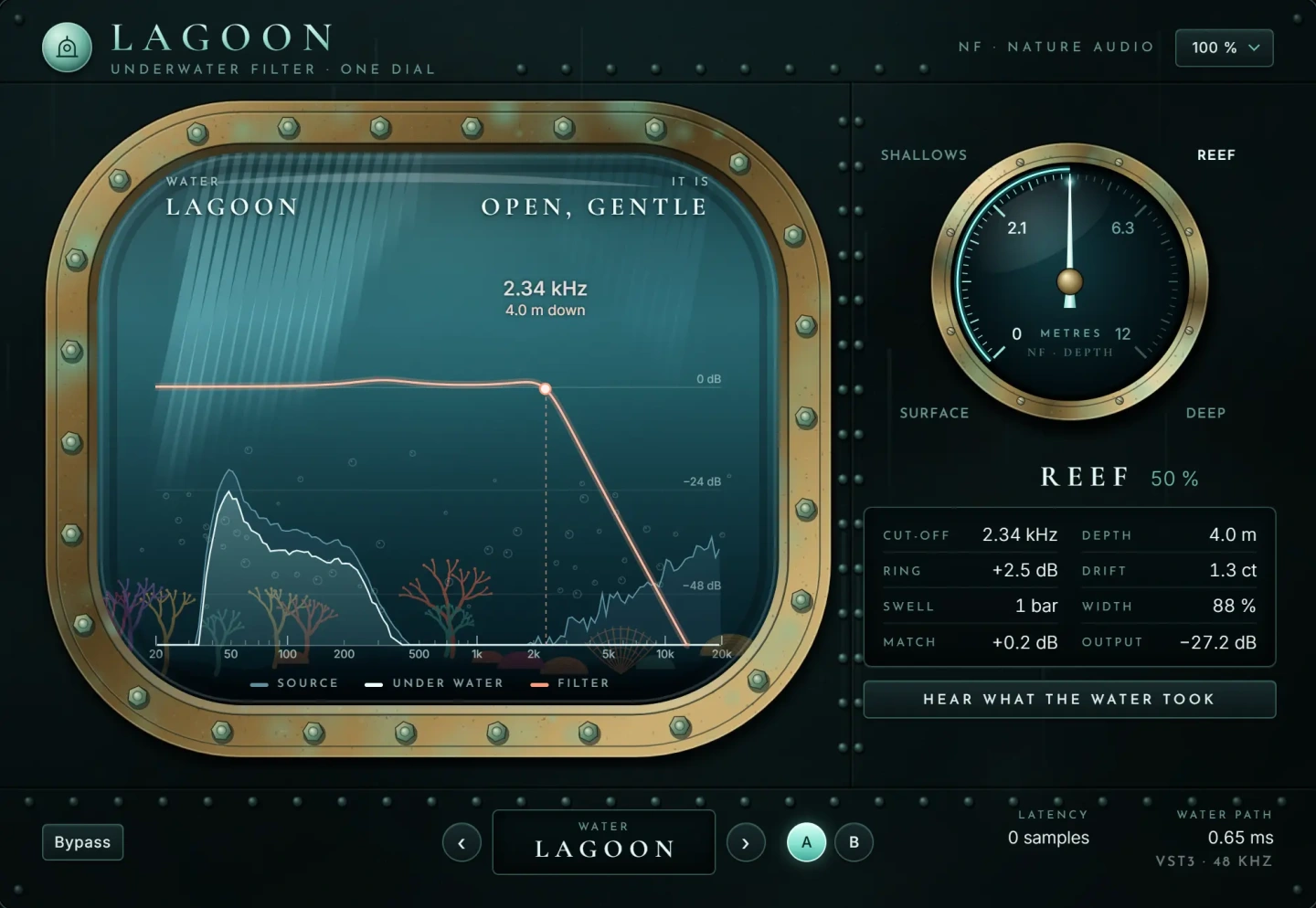
The manual method needs four or five plug-ins and several automation lanes that all have to move in step. Lagoon sinks the sound under water on one dial. As you turn it, a clean, steep filter closes with depth, the slow drift of water, a pressure resonance, reflections and a narrowing image all move together. That makes the transition a single automation lane: draw the dial from surface to deep and back.
If you want a filter that moves on its own rather than a full underwater scene, Nature Auto Filter is a resonant filter moved by an LFO in time with the song, by the level of the sound itself, or both. A low-pass with a slow synced LFO gives a rhythmic underwater wobble, and level-driven movement makes the filter open on loud hits and close on quieter ones. The filters stay in tune and stable however fast they are swept, so resonant sweeps do not break up. Both are VST3 plug-ins for macOS and Windows.
Common mistakes
- Using a gentle filter slope. A 6 or 12 dB per octave low-pass leaves too much top end and sounds like a dull EQ, not water.
- Forgetting movement. A static low-pass sounds like a wall, not a lake. A slow, small modulation is what sells it.
- Bright reverb. An undamped reverb puts back the high frequencies you just removed.
- Too much resonance. It quickly turns into a whistle that is louder than the sound itself.
- Linear automation. Sweeps drawn as straight lines in hertz feel late. Use a curved or exponential shape.
- Not compensating for level. The filtered section drops in loudness and the transition feels like a mistake rather than an effect.
Questions
What frequency makes audio sound underwater?
A low-pass cutoff between about 300 Hz and 800 Hz with a steep slope is the usual range. Above 1 kHz it sounds muffled rather than underwater.
How do I make music sound like it is in another room?
Use a low-pass around 800 Hz to 2 kHz, cut some sub bass, reduce the stereo width and add a short, dark room reverb. Leave out the slow modulation, which is what makes it sound like water instead.
Can I make a muffled audio effect with stock plug-ins?
Yes. Every DAW includes an EQ or filter with a steep low-pass, an LFO or chorus for movement, a reverb and a stereo width control. The steps above work with all of them.
How do I do the underwater filter transition before a drop?
Automate the low-pass cutoff down over one or two bars before the drop, hold it, then open it fully on the downbeat. Pair it with a half-time effect for an even stronger build.
The plug-ins in this guide
 New
New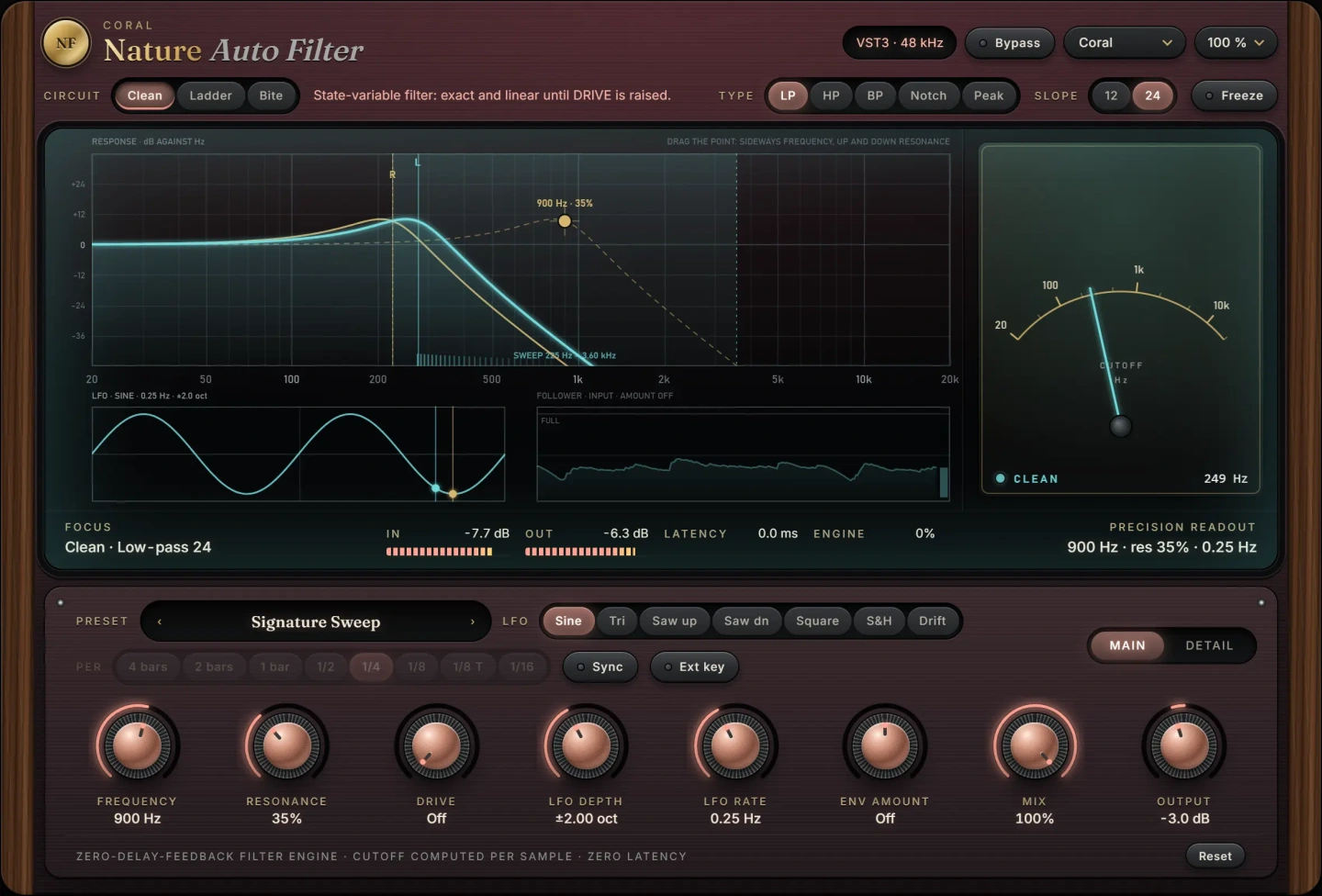 New
NewMore guides
- Delay on Vocals: Slapback, Throws and Tape vs DigitalHow to use delay on vocals: slapback, 1/8 and 1/4 note throws, filtering and ducking the repeats, plus tape delay vs digital delay and…
- How to Compress Vocals: Ratio, Attack and ReleaseHow to compress vocals: ratio, attack and release settings that work, serial compression for an even vocal, levelling vs character and…
- How to EQ Vocals: A Step-by-Step GuideHow to EQ vocals step by step: high-pass the rumble, cut mud and nasal honk, then add presence and air. Frequencies, Q settings and common…