
Lite
Midi Tower Lite
Freeno key needed
Network MIDI for a small setup.
- Connect up to 4 computers at once
- Towers find each other by themselves
- Network MIDI with Macs, iPads and rtpMIDI
New from NF Audios
All your music computers.
Wired together by the network.
Midi Tower carries MIDI and sound between computers as if they were cables. In the same room, across the building, or across the internet.

Connect
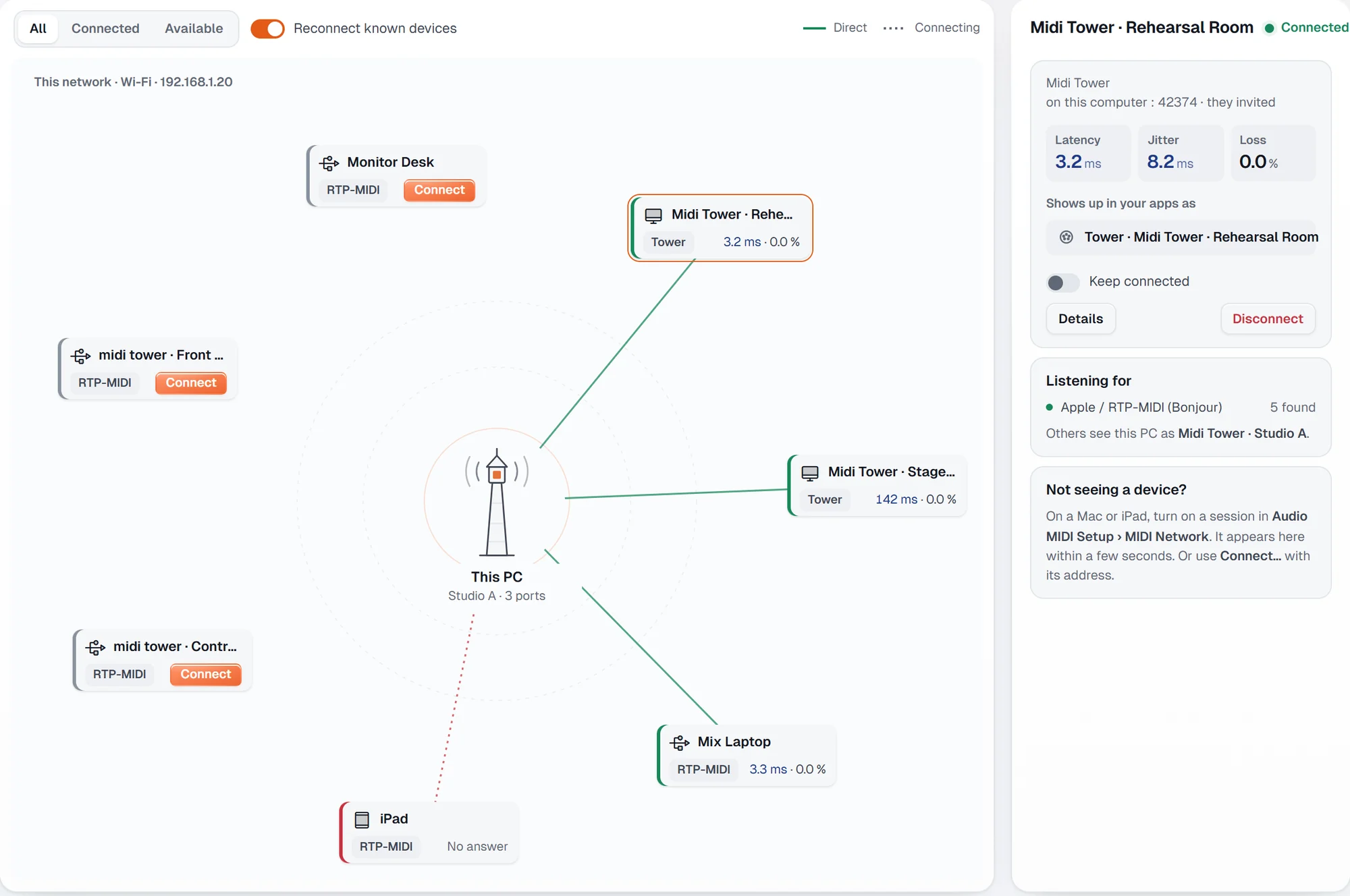
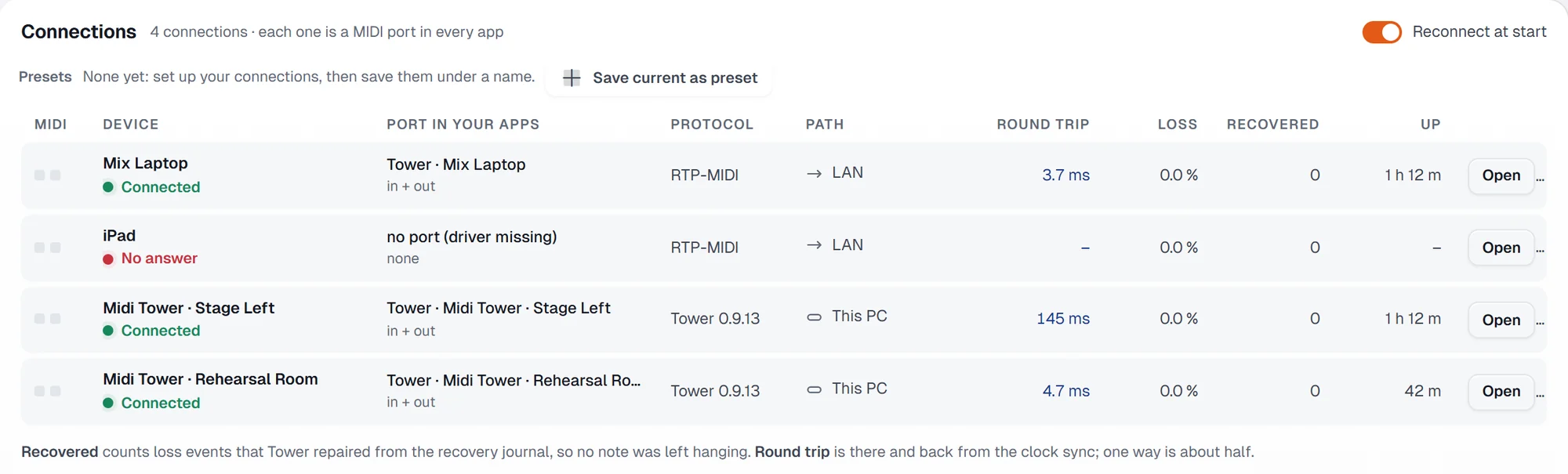
Towers find each other on the network by themselves. Macs, iPads and rtpMIDI computers join over network MIDI. Controllers join over Bluetooth.
Over the internet
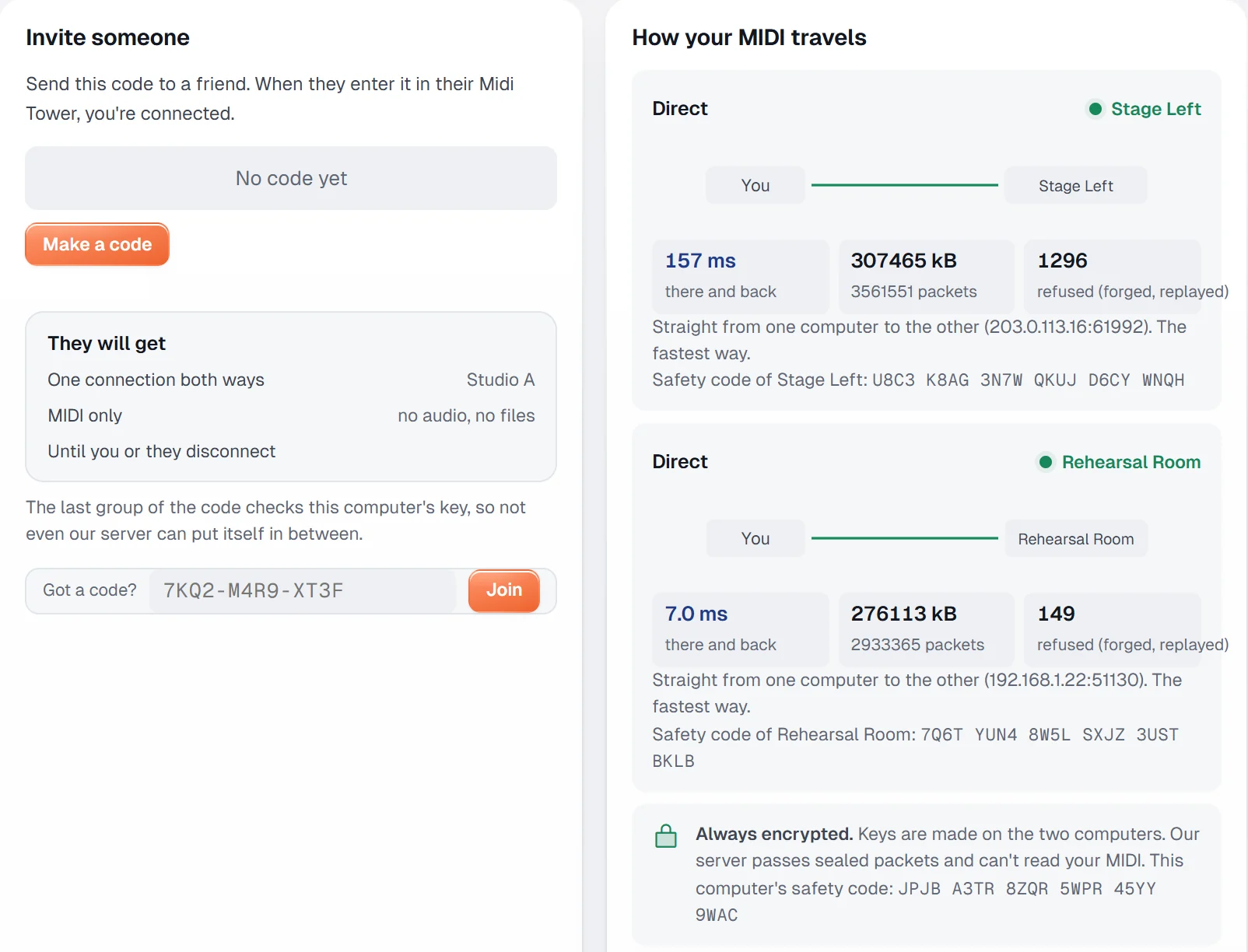
Towers on the same NF ID link from anywhere. The world map shows where each one is, down to the city.
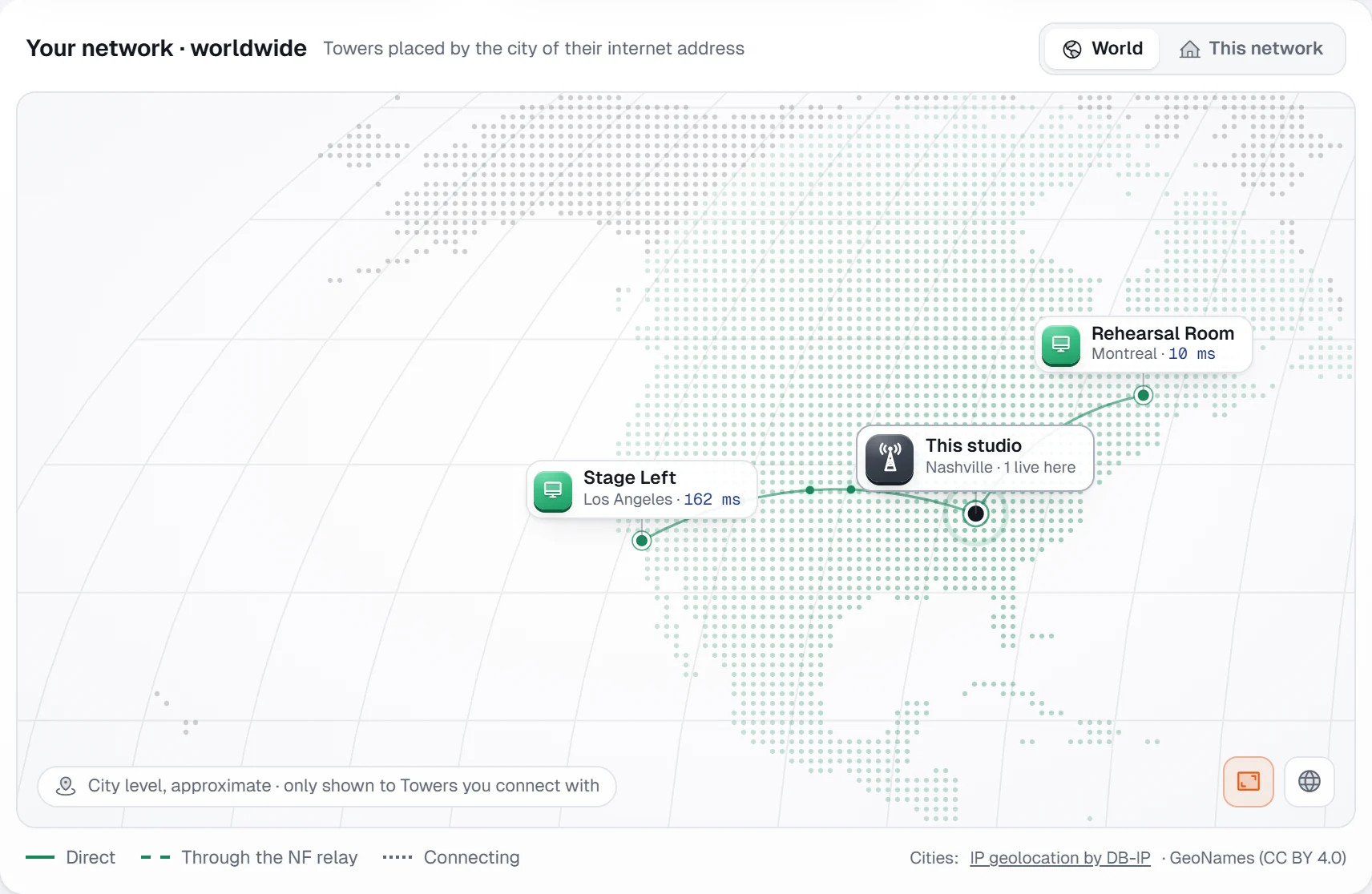
When a router blocks the direct way, Midi Tower goes through the NF relay. When the direct way opens again, it switches back.
About a second.That is how long a switch takes. The session stays up.
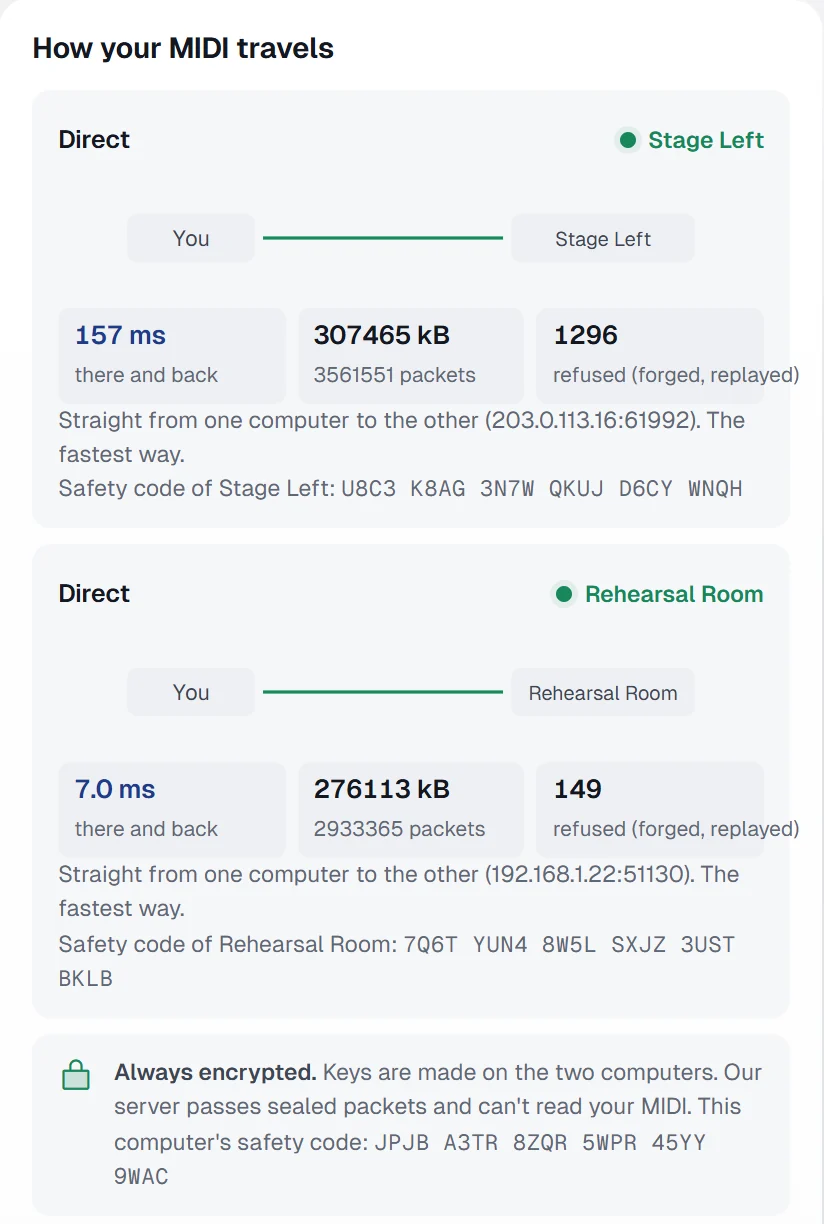
Every link shows its path.You see which way your MIDI travels and how long the round trip is.
The reliable lane
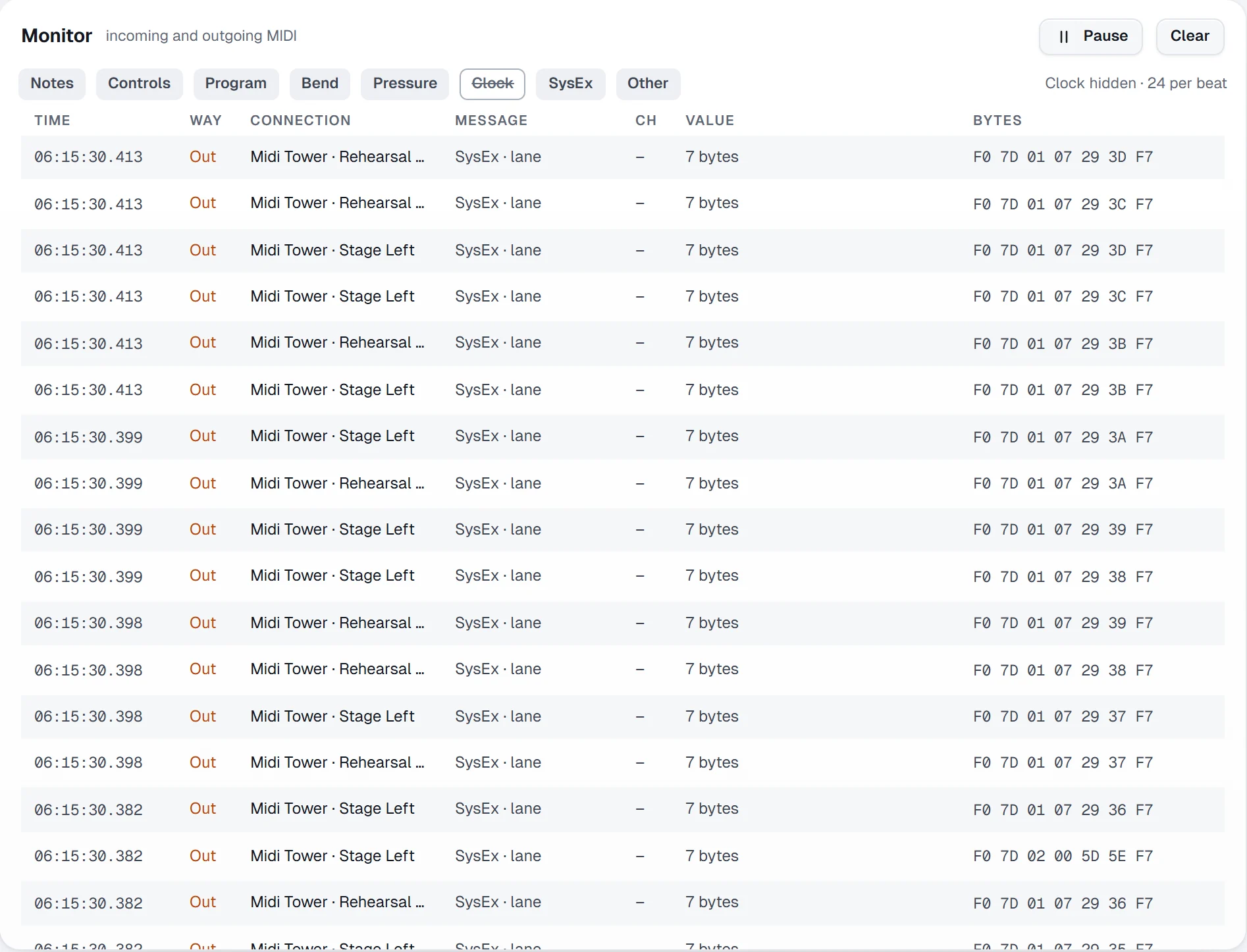
SysEx, program changes and cues are numbered, confirmed and resent until they arrive. Exactly once. In order. Even across a dropout or a restart.
Notes played in real time ride the RTP-MIDI recovery journal.
Sound too
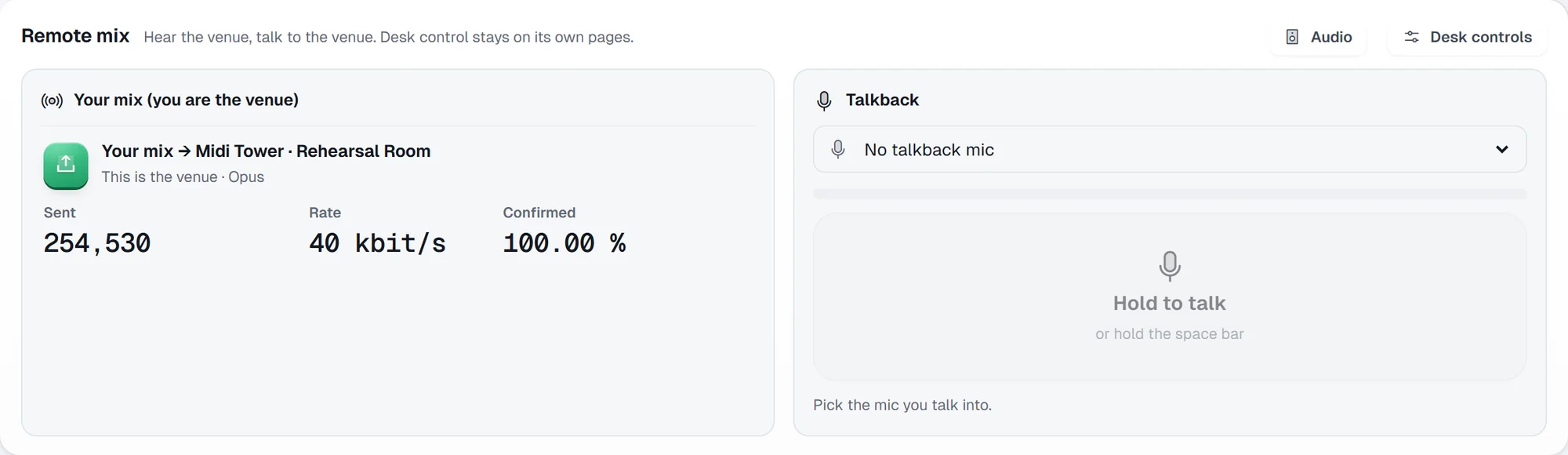
Send what one computer plays to another Tower. Talk back over the same link. Bring NDI® audio in and send it out.
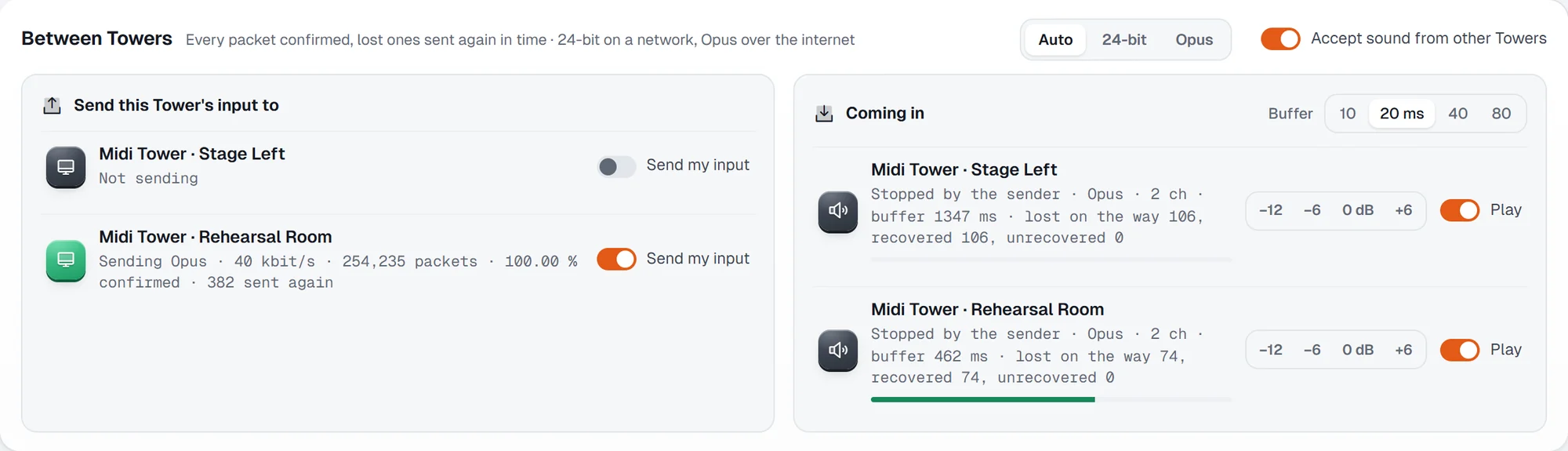
With a safety buffer that rides out internet delay spikes.
On a wired network, full quality between Towers.
Hold to talk to the other side.
Take NDI audio in and send it out.
Remote care
See which version each one runs. Update one from across the world. Restart its engine. Ask it for its sound.
Only Towers on your own NF ID, and only if the owner allows it. Updates arrive by themselves and are checked before they install.

Proven in testing
In our 3-way test on 17 November 2026, a PC, a Mac and a computer in Seattle ran Midi Tower linked to each other for ten minutes, on every link at once.
of 132,000 reliable messages delivered on each link.
Messages lost. On any link.
MIDI messages a second, on every link, for 10 minutes.
Round trip to Seattle.
Sound sent in all directions.
Lost sound packet recovered.
Figures from one test by NF Audios on 17 Nov 2026 between a PC, a Mac and a computer in Seattle. Your results depend on your network. Screens on this page are live readings and show other moments.
Security
Every internet link is encrypted end to end, with its own keys. Compare the safety code on both screens and you know you are talking to your own Tower.
Internet links and remote care stay between Towers on your own NF ID.
Midi Tower Pro
When the rig grows, the tools grow with it.
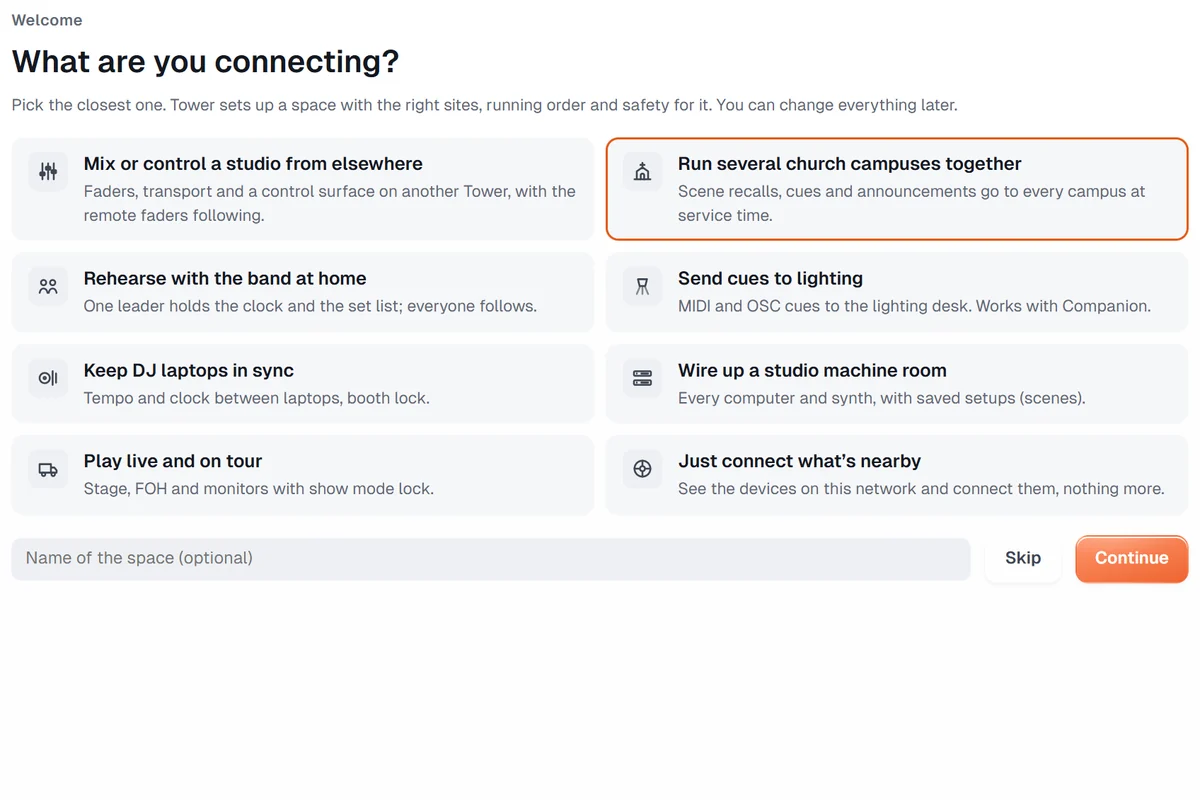
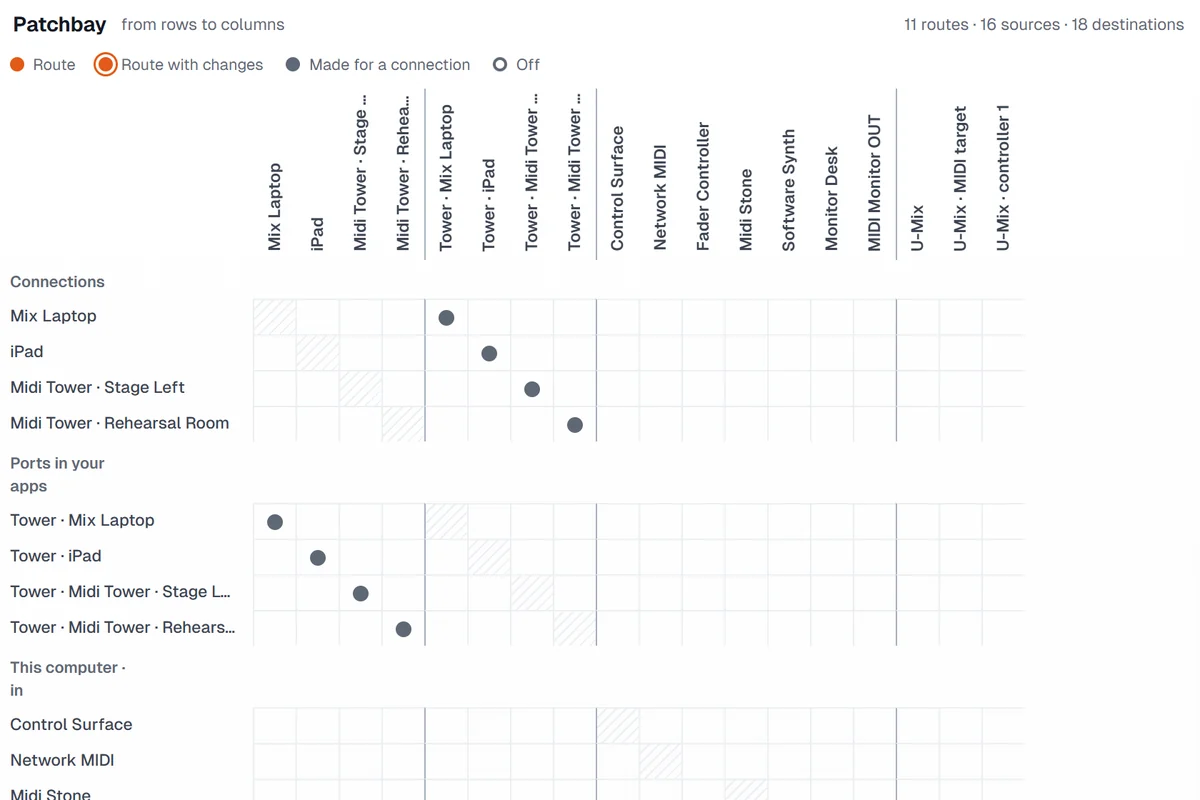
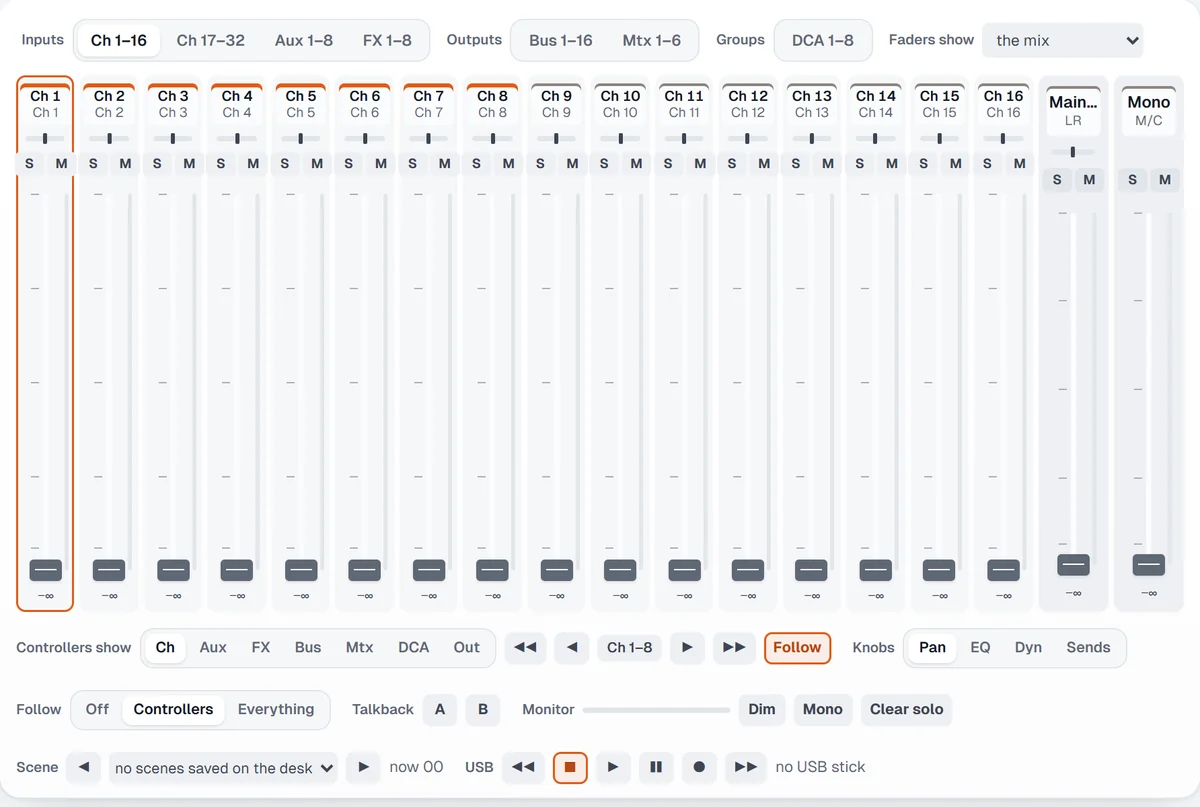
Editions
One app. The licence on your NF ID picks the edition.
Lite
Freeno key needed
Network MIDI for a small setup.
Standard
$59pay once
The whole network, here and over the internet.
Pro
$129pay once
For shows, studios and big rigs. Every Pro tool free for 14 days: start the trial inside Midi Tower.
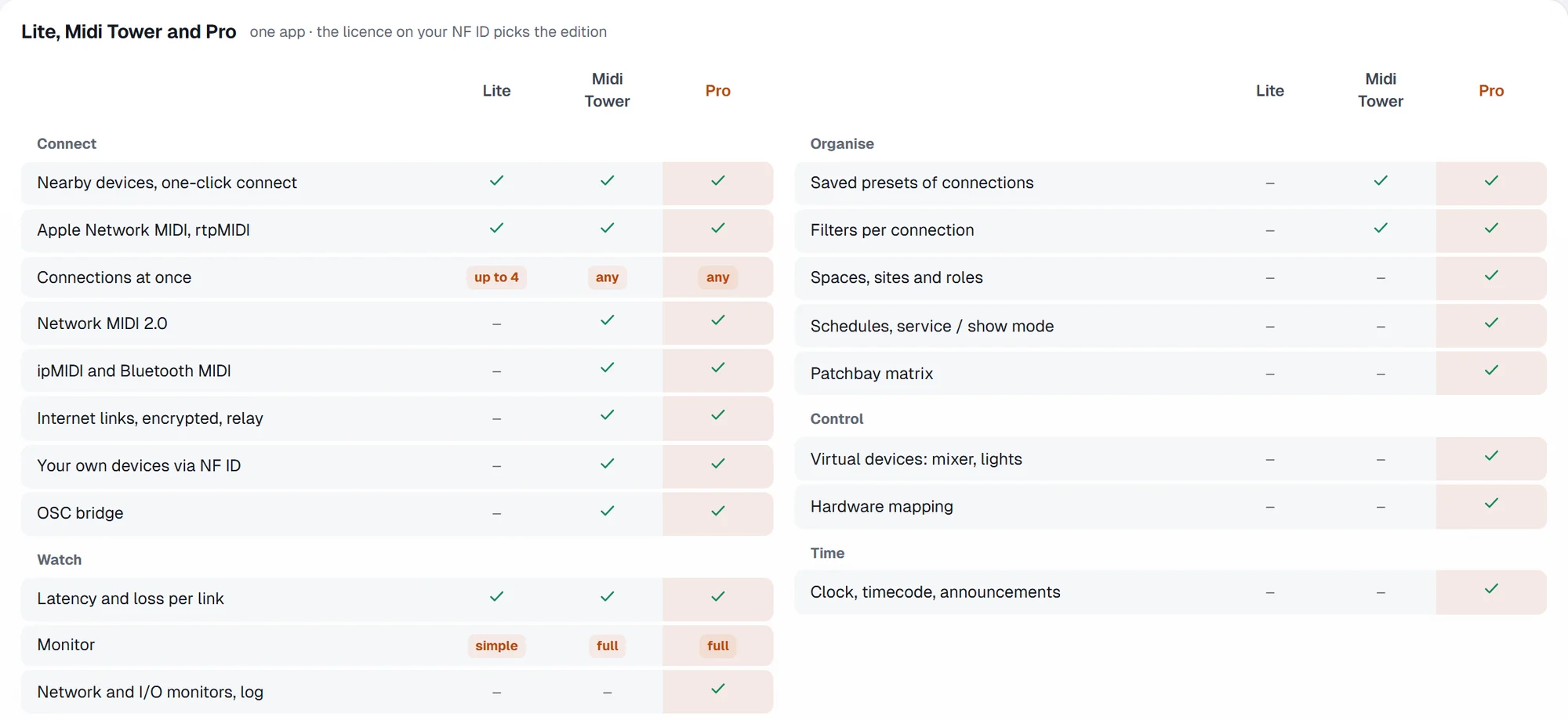
Start with two computers. Add the rest when you are ready.
Midi Tower by NF Audios LLC. For Windows 11, 64-bit · macOS 11 Big Sur or later (Apple Silicon and Intel).
On a Mac, install it with NF Audios Center: sign in with your NF ID and choose Get. Does it work on a Mac? Yes, macOS 11 or later. On a Mac it is installed through NF Audios Center. NDI audio is on Windows.
NDI® is a registered trademark of Vizrt NDI AB.
Screens are from the Midi Tower app. Names, places, addresses and codes in them are samples. Test figures come from a single NF Audios test on 17 Nov 2026.