
Guide
How to Remove Mic Bleed From a Recording
How to remove mic bleed: prevent it at the session, then use gating, EQ, phase alignment, expanders and dedicated tools on drums, vocals and bands.
To remove mic bleed, first reduce it at the source with placement, distance and directional mics, then clean up what remains with phase alignment, EQ, and a gate or expander that closes between the notes. For bleed that plays at the same time as the wanted sound, such as hi-hat in a snare mic or a band in a vocal mic, a dedicated debleed tool that uses the leaking instrument's own track is the most effective option.
What mic bleed is, and when it is a problem
Mic bleed, also called spill or leakage, is sound from one source arriving in a microphone meant for another. It happens whenever several instruments are recorded in the same room: kick and hi-hat in the snare mic, drums in the guitar mic, the whole band in the vocal mic.
Bleed is not always bad. On many classic recordings it is part of the glue, and a little spill makes a live band sound like a band. It becomes a problem when it:
- makes the leaking instrument sound smeared because it arrives in several mics at different times,
- stops you processing one track without changing another, for example when compressing a vocal also compresses the drums in it,
- gets in the way of edits, tuning or replacing a part.
Prevention: the best fix
- Distance. Level drops about 6 dB each time distance doubles. Moving sources apart, or the mic closer to its own source, improves separation quickly.
- Pick-up pattern. Point the dead side of the mic at the loudest neighbour. A cardioid rejects most at 180 degrees, a supercardioid or hypercardioid at around 110 to 150 degrees. Figure-8 mics reject strongly at 90 degrees.
- Baffles and isolation. Gobos, blankets and separate rooms for amps or vocals help a lot. Even a sofa cushion between a guitar amp and the drum kit makes a difference.
- Lower stage volume. Quieter amps and in-ear or headphone monitoring reduce what reaches the vocal mic.
- Overdub what you can. If the vocal does not need to be live, record a guide and replace it later.
Cleaning up bleed, step by step
These steps work with stock DAW tools.
1. Align phase first
When a source reaches two mics at different times, the bleed interferes with the direct sound and thins it out. Before cutting anything, line up the related tracks. Zoom into a clear transient, such as a snare hit, and nudge the later tracks so the peaks line up, or flip polarity where it sounds fuller. Drum mics are usually aligned to the overheads or the snare. Often this alone makes bleed sound like part of the kit rather than a problem.
2. EQ out what does not belong
Cut the frequencies that belong to the leaking source, not the wanted one. A high-pass at 80 to 150 Hz on a snare or vocal mic removes a lot of kick and bass spill. On tom mics, a gentle high shelf cut above 5 to 8 kHz reduces cymbal bleed. EQ cannot separate sounds that share the same frequencies, so it is a first pass, not the full answer.
3. Gate or expand between the notes
A gate closes a track when its level drops below a threshold, removing bleed in the gaps. Starting points for drums:
- Attack 0.1 to 1 ms so the hit is not dulled.
- Hold 10 to 50 ms, release 50 to 200 ms, set by the length of the drum's decay.
- Range of 10 to 20 dB rather than full silence, so the track does not snap in and out.
- Use the side-chain filter: high-pass and low-pass the key so the gate opens on the snare and not the kick or hi-hat.
An expander is a gentler version. Instead of closing, it turns quiet sound down by a ratio such as 1:2 or 1:4, which suits vocals, guitar amps and anything with a natural tail.
4. Edit by hand
For tom tracks and sparse parts, cutting out the silent sections and adding short fades is often cleaner and faster than any gate. Many engineers strip silence on toms as a matter of course.
5. Use a dedicated debleed tool for overlapping bleed
Gating and editing only remove bleed in the gaps. When the leaking sound plays at the same time as the wanted one, you need a tool that knows what the bleed sounds like. Debleed processors use the track of the leaking instrument as a reference and subtract it from the target mic.
Where NF Audios plug-ins help
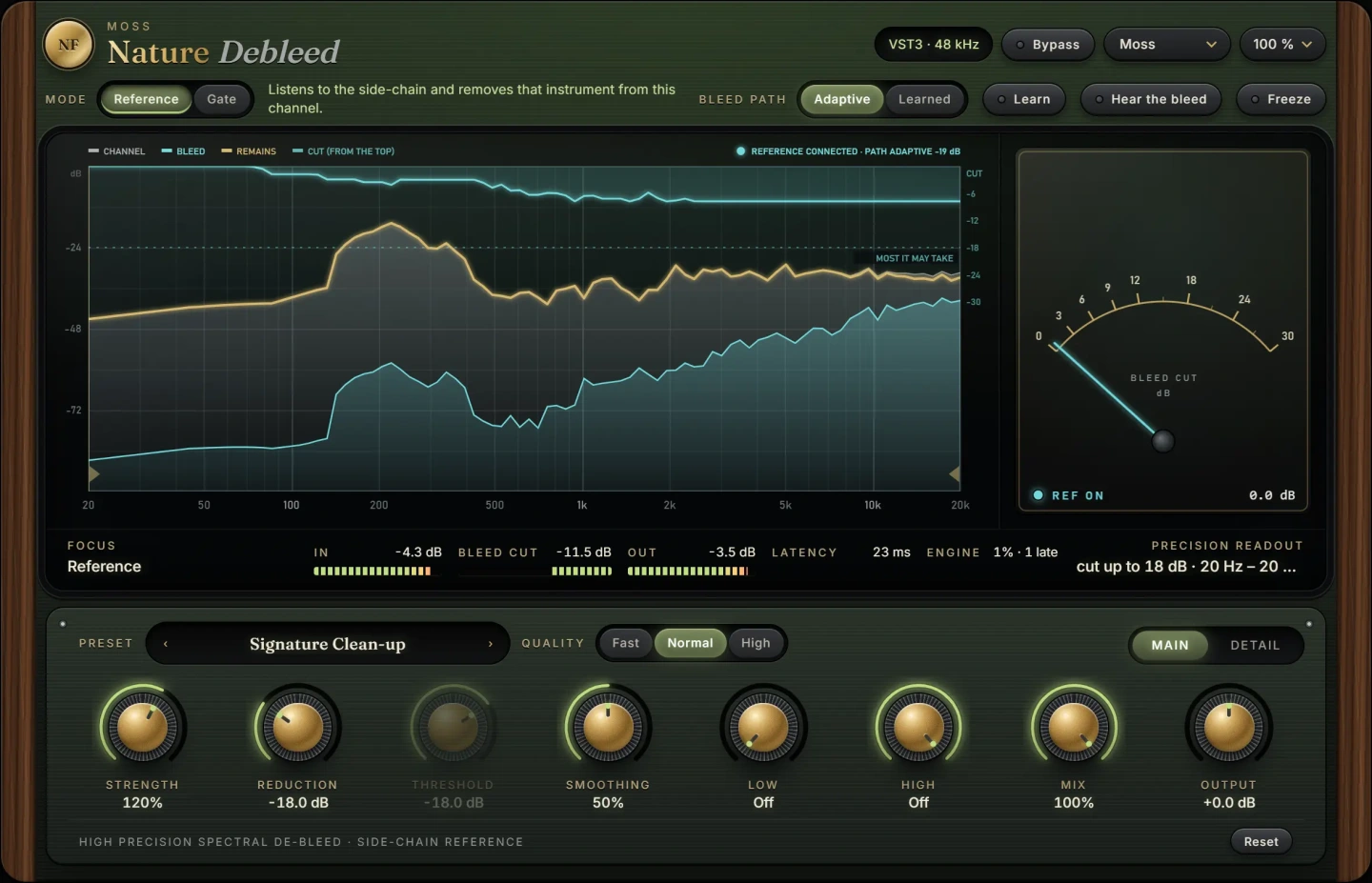
Nature Debleed is built for exactly that last case. Give it the track of the instrument that leaks in, such as the kick for a snare mic or the band for a vocal mic, and it removes just that. It works while both sounds play, which a gate cannot do. Use it after phase alignment, since cleaner timing makes the reference match better.
Nature Gate handles the gaps. It works as a gate, a gentler expander or a ducker, and its key has its own filters so it opens on the drum or voice you mean and nothing else. A common order is Nature Debleed first, then Nature Gate to tidy what remains between the hits. Both run as VST3 on macOS and Windows.
If the problem is constant hiss, hum or room noise rather than another instrument, see our guide on how to remove background noise from audio.
Common mistakes
- Gating too hard. Full-range gates with fast release make drums sound choked and unnatural. Use a range of 10 to 20 dB.
- Cleaning in solo only. Some bleed adds body to the full mix. Judge your settings with everything playing.
- Skipping phase alignment. Removing bleed from misaligned tracks leaves the comb filtering behind on whatever remains.
- Removing all room sound. A perfectly dry multitrack can sound small. Keep the overheads and room mics natural.
- Over-processing with debleed. Pushing any removal tool too far can leave artefacts on the wanted sound. Remove enough to solve the problem, then stop.
Questions
How do I reduce bleed in a vocal mic?
Use a cardioid or supercardioid mic close to the singer, point its back at the loudest instrument, lower stage volume and use headphones. Afterwards, an expander and a high-pass filter help, and a debleed tool can remove the band itself.
Can you remove drum bleed completely?
Not always, and you rarely want to. Gates and edits remove it in the gaps, and debleed tools reduce it while the drum plays, but some spill keeps a kit sounding like one instrument.
Is a gate or expander better for bleed?
A gate suits short, punchy sources like kick, snare and toms. An expander is better for vocals, guitars and anything with a long natural decay, because it reduces bleed without cutting off the tail.
Should I fix bleed before or after compression?
Before. A compressor brings up quiet sounds, which includes the bleed, so clean the track first and compress after.
The plug-ins in this guide
 New
New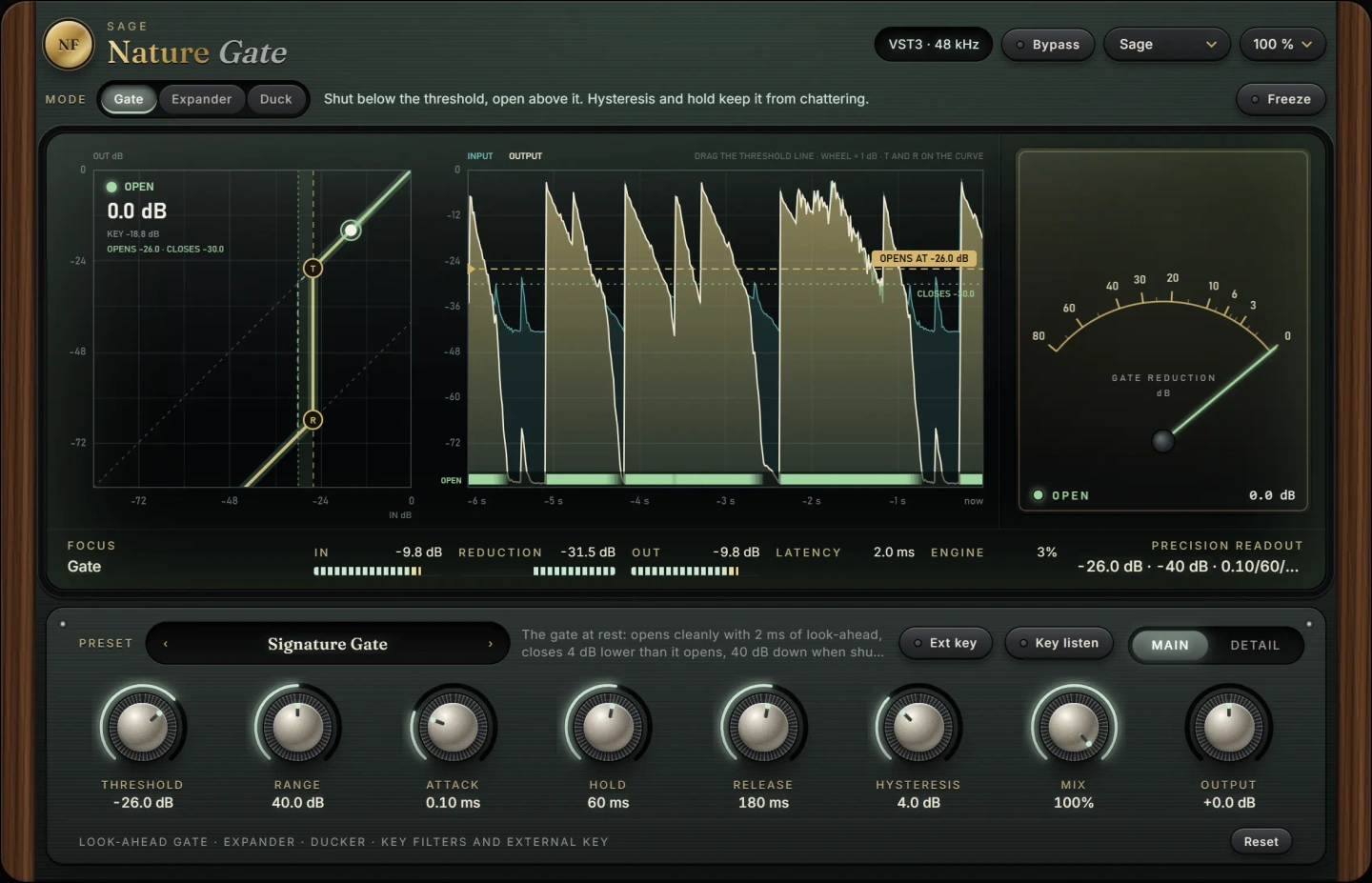 New
NewMore guides
- Noise Gate on Drums: Settings That Actually WorkUse a noise gate on drums: set threshold, hysteresis, attack, hold and release, filter the key and choose gate or expander to cut bleed…
- How to Remove Background Noise from AudioHow to remove background noise from audio: identify hiss, hum and room tone, learn a noise profile, reduce it gently without artefacts…
- Sidechain Compression Without a Sidechain: PumpingHow to get sidechain compression without a sidechain: the classic kick-keyed pumping effect explained, then faster shortcuts that skip the…